In this tutorial, you’ll learn how to integrate Ryviu with the Upsell & Cross Sell app to display star ratings in your product recommendation widgets to boost trust and conversions.
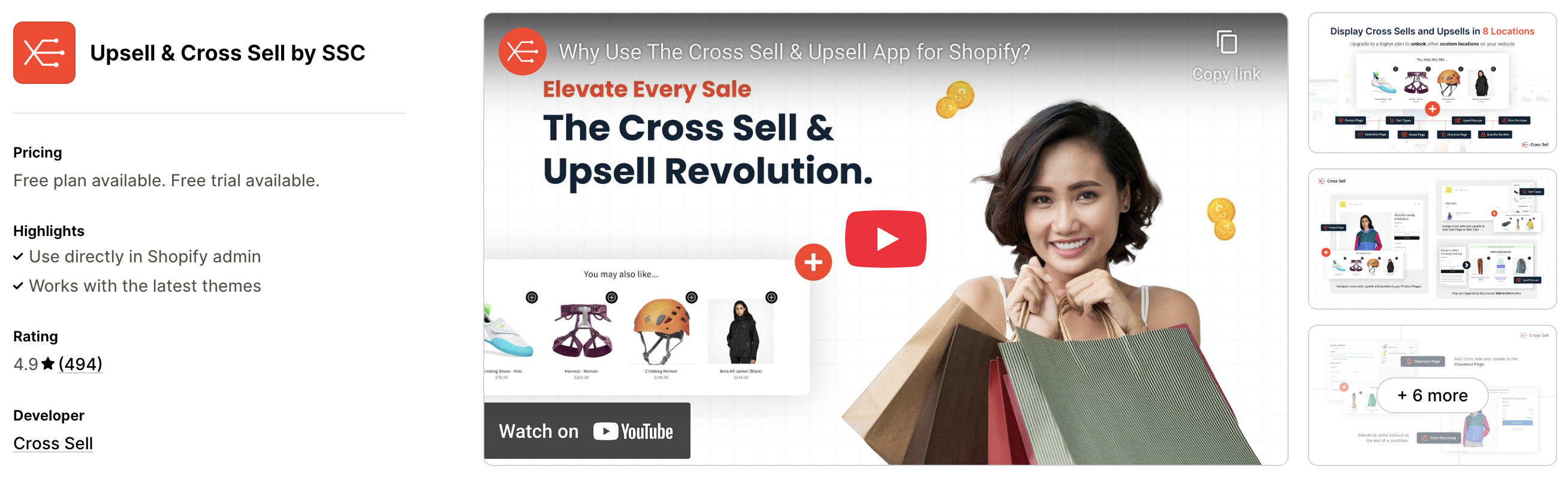
Upsell & Cross Sell helps you boost your Shopify store’s revenue by showing smart, targeted product recommendations in 8+ high-impact locations—including the product page, cart drawer, post-purchase page, and thank you page.
You can manually select the products you want to promote or let our AI suggest them based on real customer behavior. Easily set up bundles to encourage customers to buy more in one go—no coding needed.
The app is fully customizable so your cross sells and upsells blend perfectly with your store’s branding, tone, and layout. Whether you’re a small store just starting out or a large one looking to scale, our transparent pricing ensures there are no hidden fees—just plans that grow with you.
Here are some key features of Upsell & Cross Sell app:
Provide 8+ cross sell & upsell locations (pre-purchase, in cart, post-purchase, and more)
Manual or AI-driven product recommendations
Easy-to-create bundles and combos
Full design customization
Transparent pricing for all store sizes
Follow these steps to show Ryviu star ratings in your Upsell & Cross Sell widgets:
Step 1: Install both the Ryviu and the Upsell & Cross Sell app. Make sure both embedded apps are enabled.
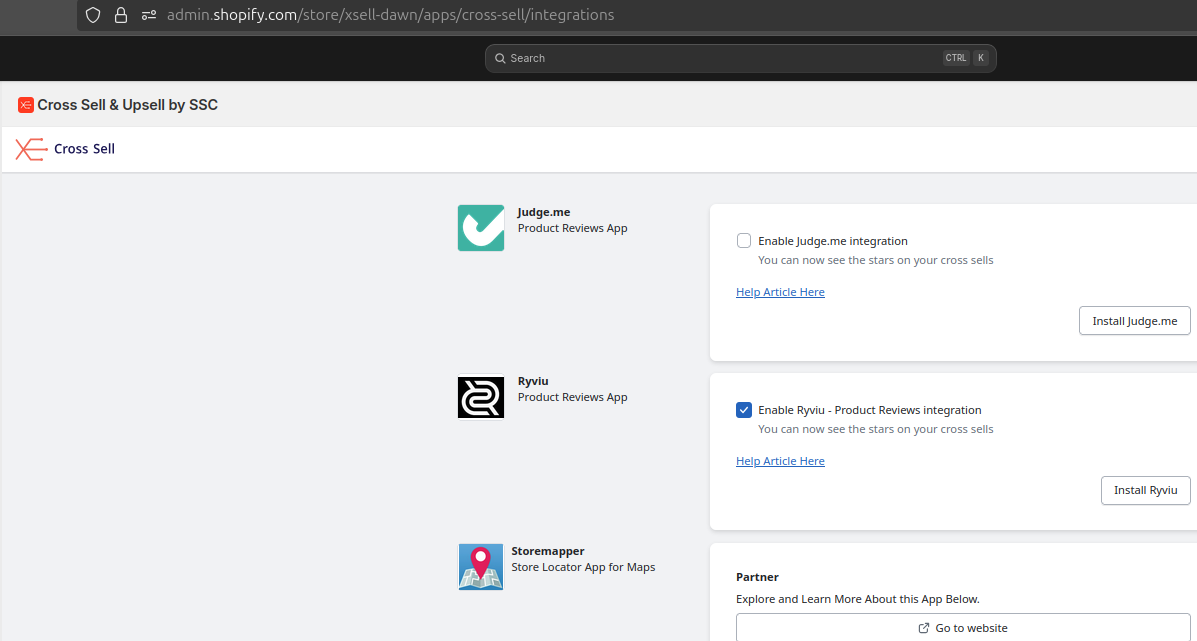
Step 2: Open the Upsell & Cross Sell app and go to the Integrations & Partners section. Enable the Ryviu integration.
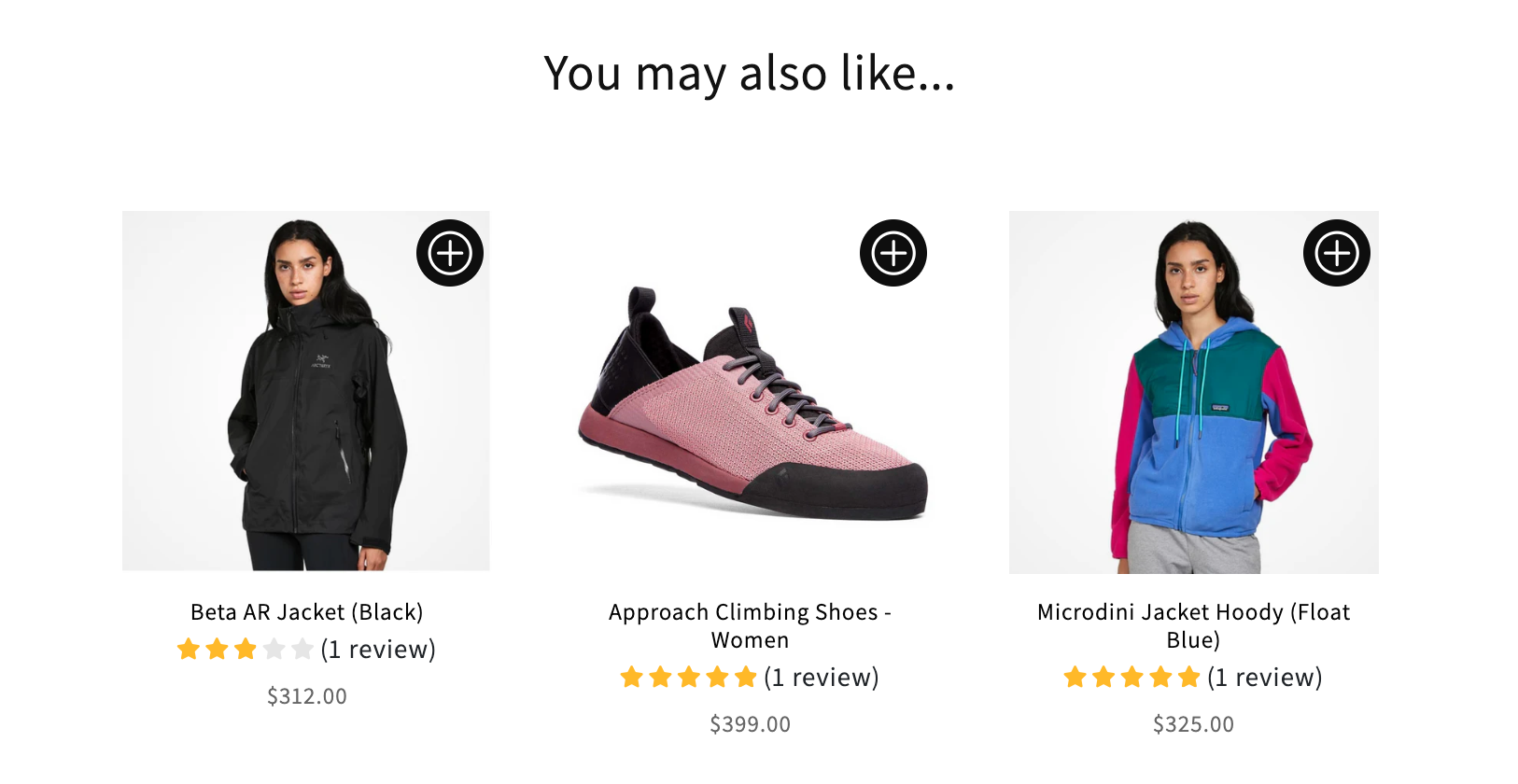
Step 3: Refresh your store to apply the changes. Ryviu star ratings will now appear in your Upsell & Cross-Sell product recommendation widgets.
Need help?
Get in touch with our support team through live chat or email at [email protected]. We're here to help!