

Here, you can track customer activity, points balance, and loyalty status—helping you better understand and engage your most valuable customers.
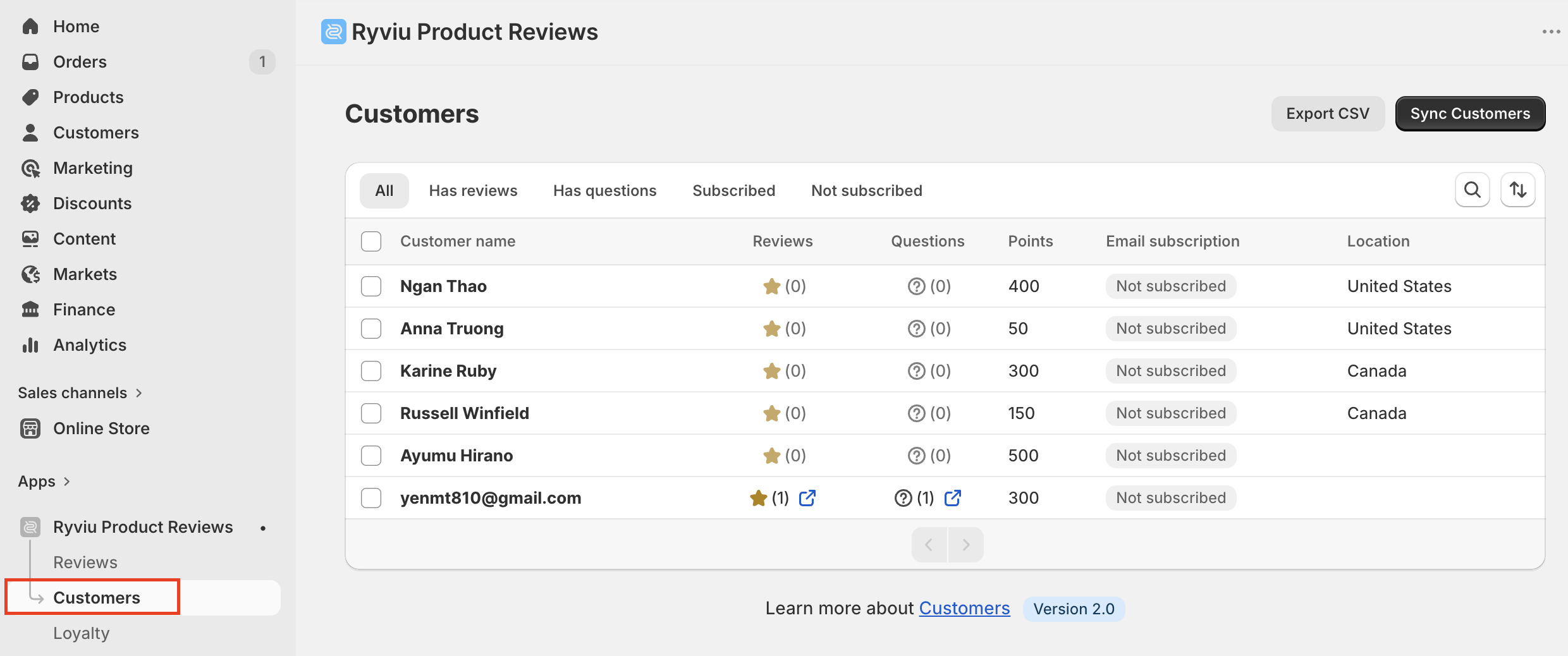
Access Customers
To view your customers:
Log in to your Ryviu dashboard
Go to Customers
You will see a list of all customers enrolled in your loyalty program.
Customer information
Each customer record includes:
Name and email
Points balance
VIP tier (if applicable)
Activity history
This helps you quickly identify loyal customers and monitor their engagement.
Manage customers
You can manage customer data directly from this section by clicking on the customer name:
Adjust points
Manually add or deduct pointsView activity history
Track how customers earn and redeem pointsUpdate customer information
Edit basic customer details if needed
Advanced options
You can:
Click the Export CSV button to export the customer list to a CSV file.
Sync customers from Shopify by clicking on the Sync Customers button.
Need help?
Get in touch with our support team through live chat or email at [email protected]. We're here to help!