

The Settings section allows you to configure how your loyalty program works and how you communicate with your customers.
Access Settings
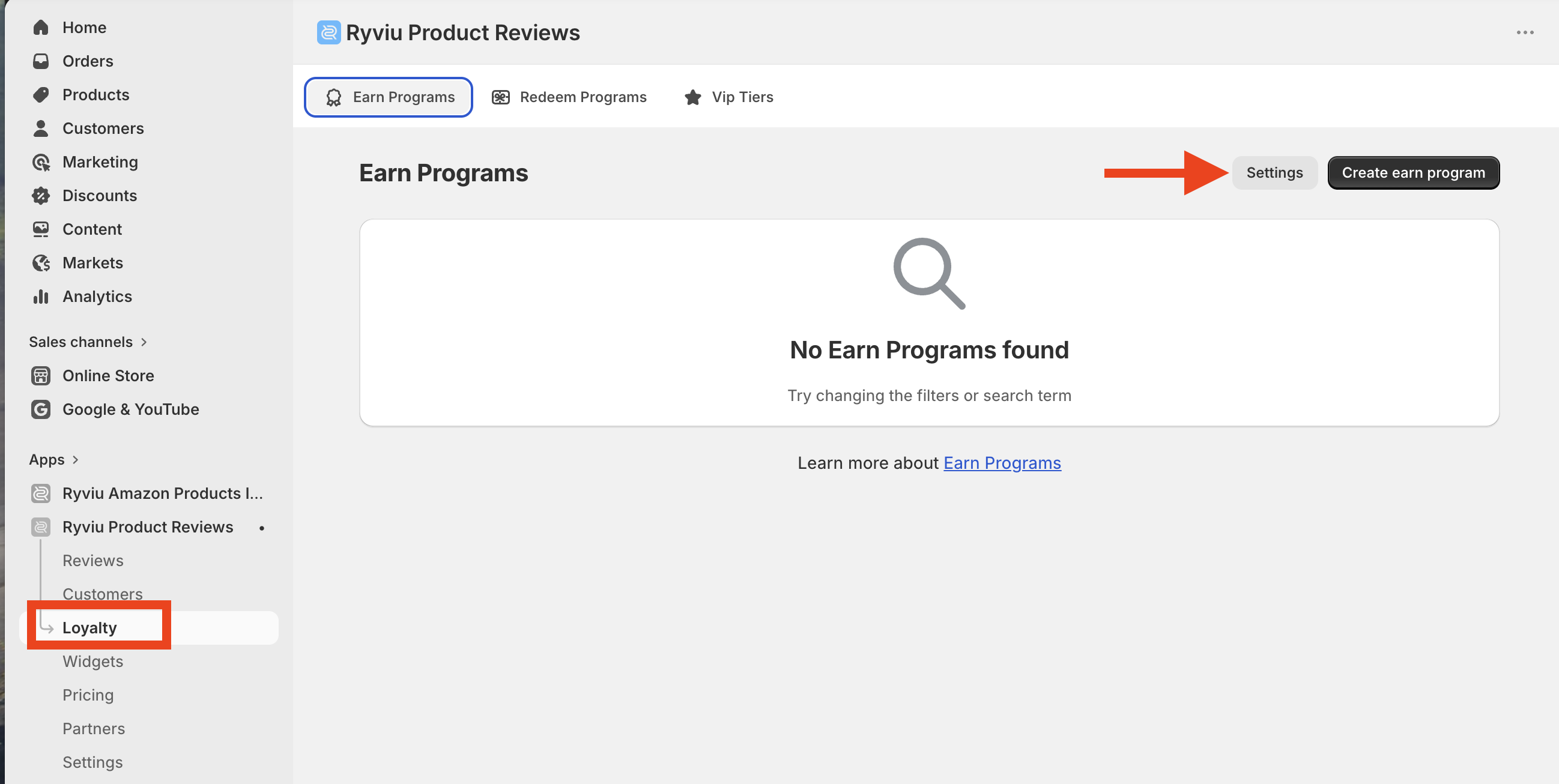
To open Loyalty settings:
Go to Loyalty in your Ryviu dashboard.
Click Settings.
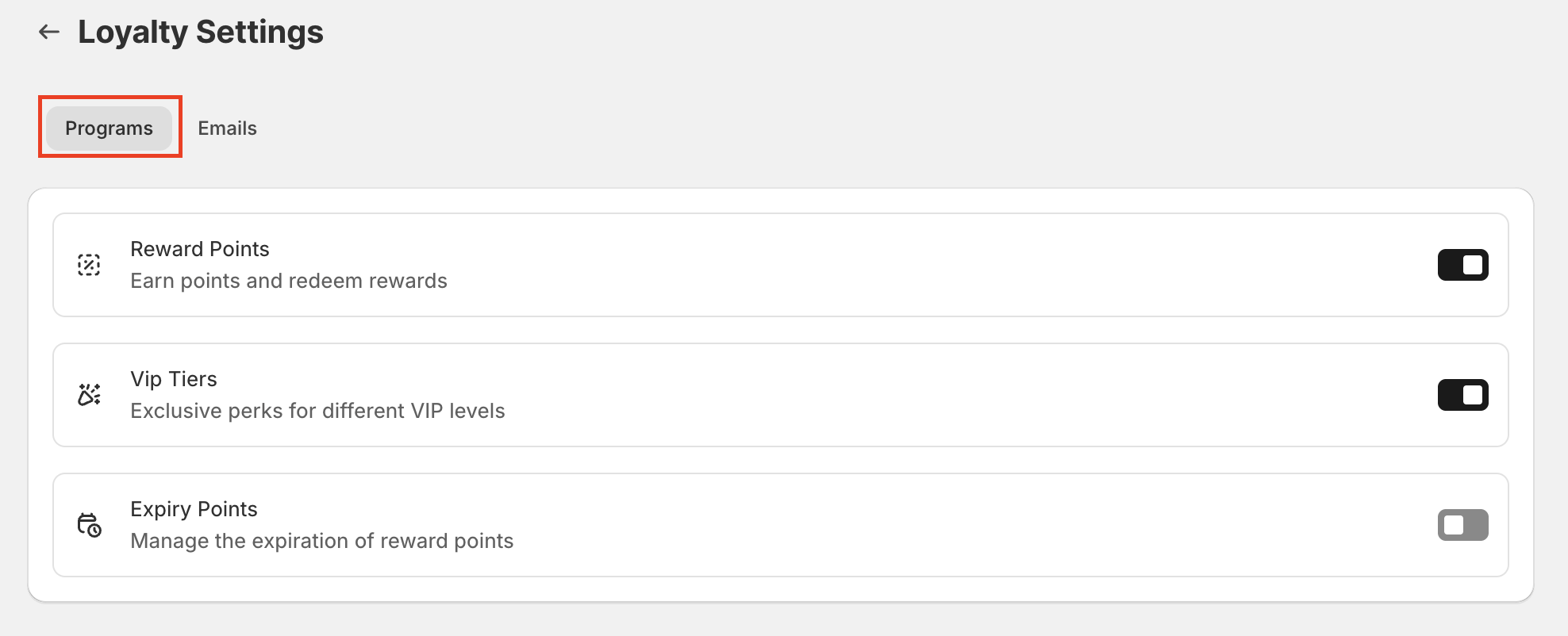
Programs
Turn on the features you need.
Emails
You can send automated emails to customers after they earn points.
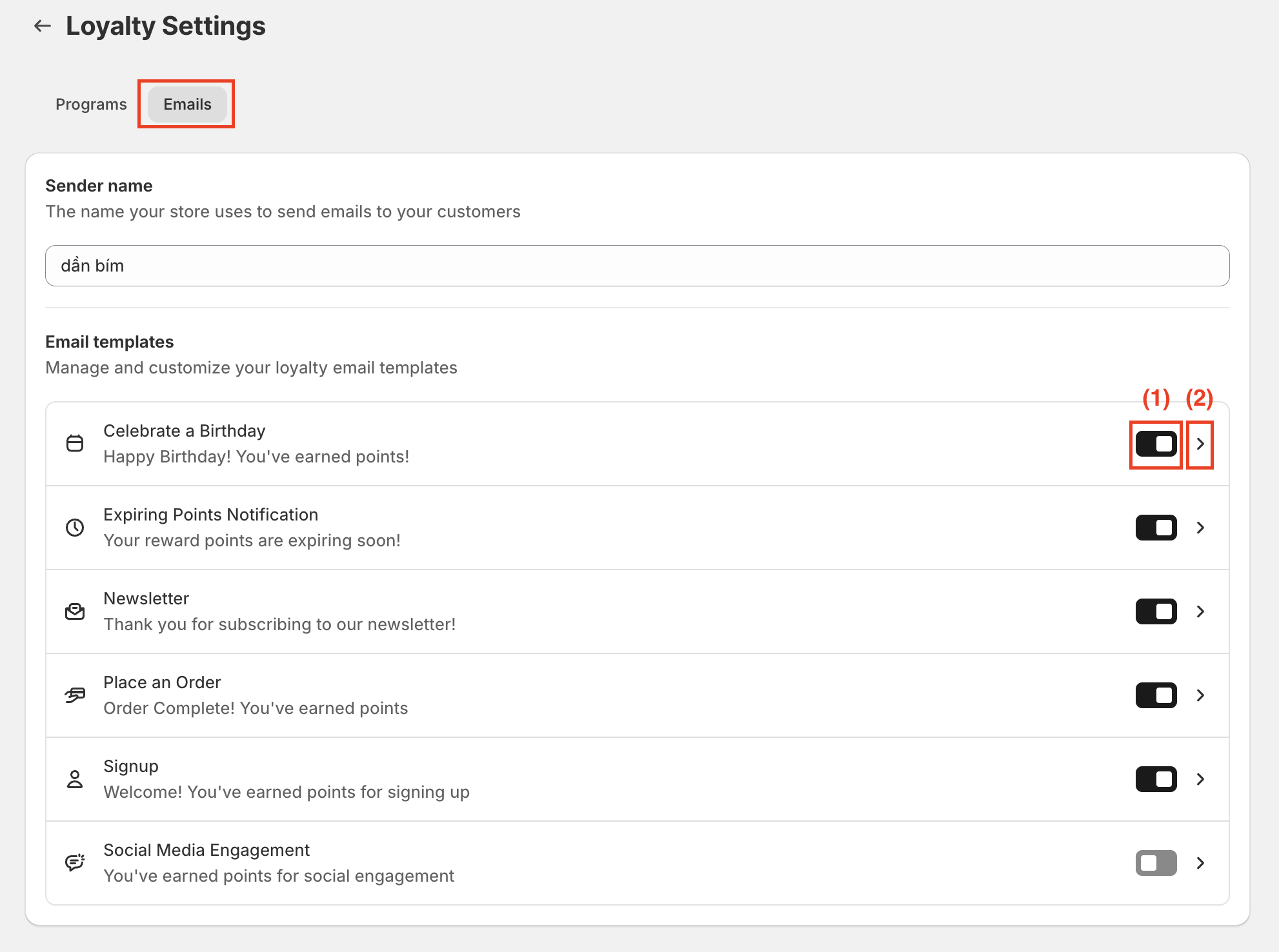
To configure email templates:
Enable the email notification
Click the arrow icon to customize the template
Click Save to apply changes
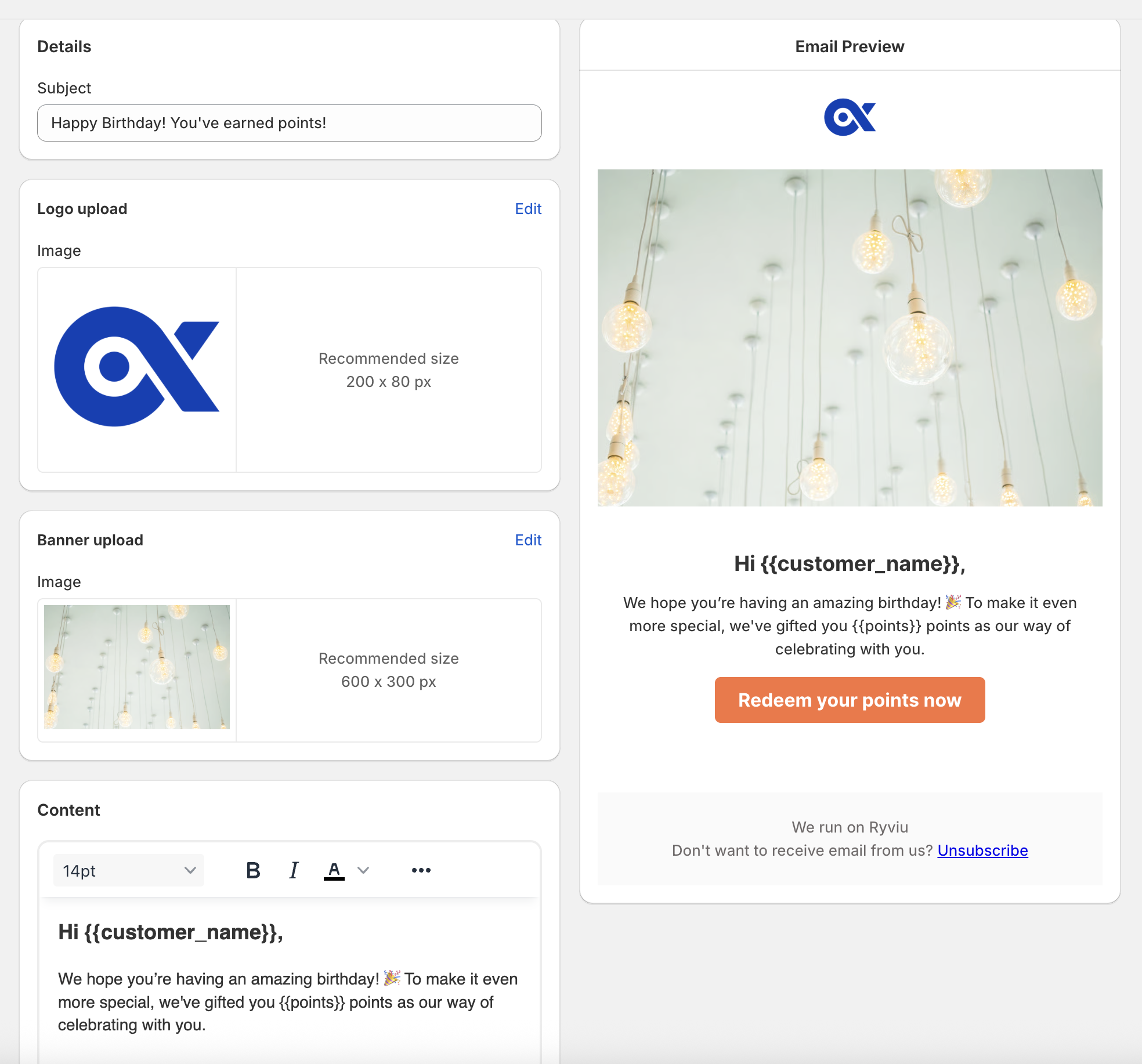
Email customization
Each email template includes the following options:
Subject: Set the email subject line
Logo (optional): Upload your store logo
Banner (optional): Add a banner image
Content: Customize the email message
Action button text: Set the call-to-action text
Style: Customize button colors (background and text)
Need help?
Get in touch with our support team through live chat or email at [email protected]. We're here to help!