Ryviu Version 2.0 allows you to import reviews from one source product and apply them to multiple products at once. Instead of importing reviews separately for each product, you can select multiple products and have Ryviu copy the reviews to all of them in a single import.
This feature is useful when you have several related or similar products and want to use the same review collection across them.
In your Ryviu dashboard, go to Reviews.
Click Import reviews.
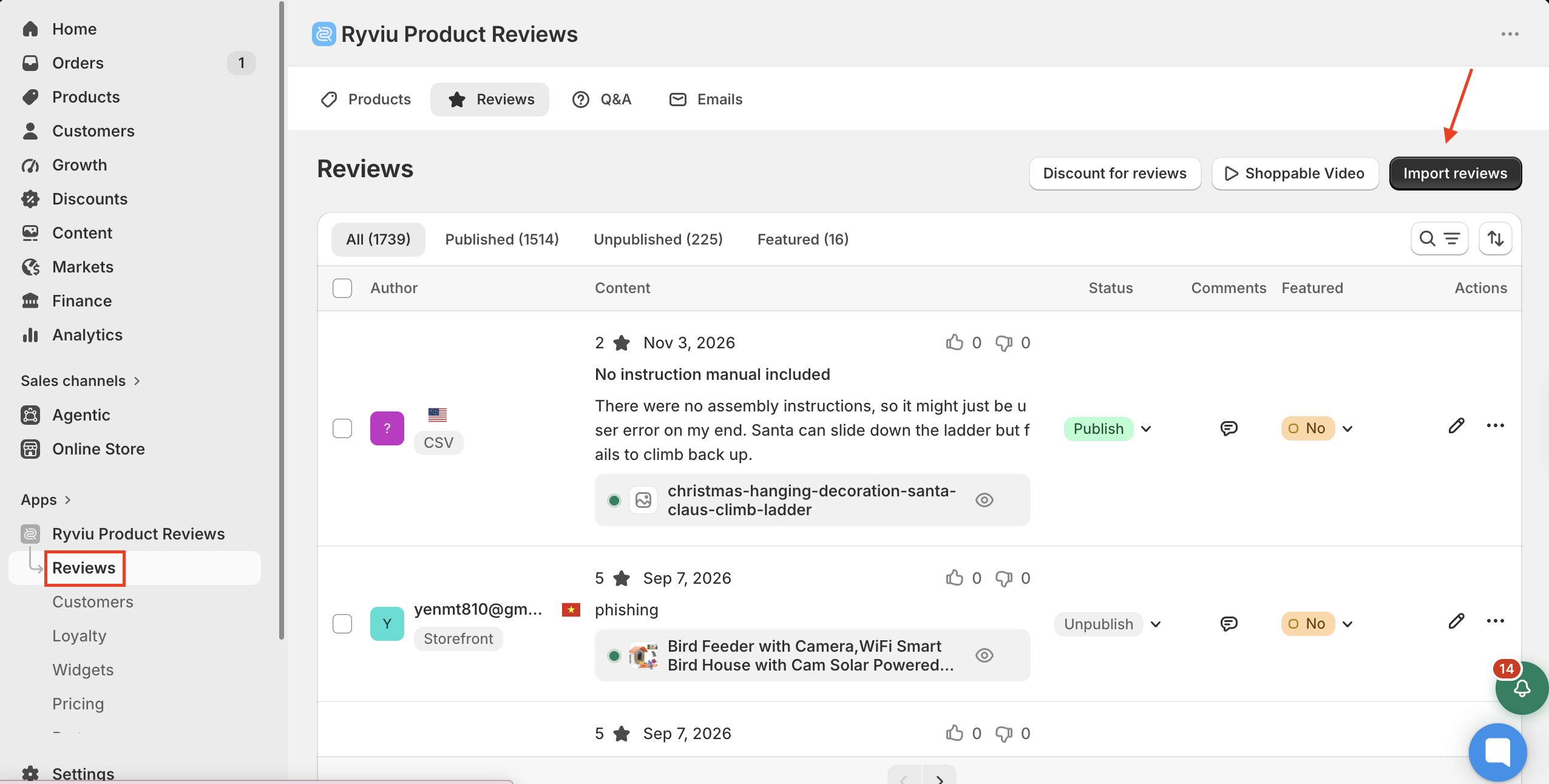
Select the 1 source for many products tab.
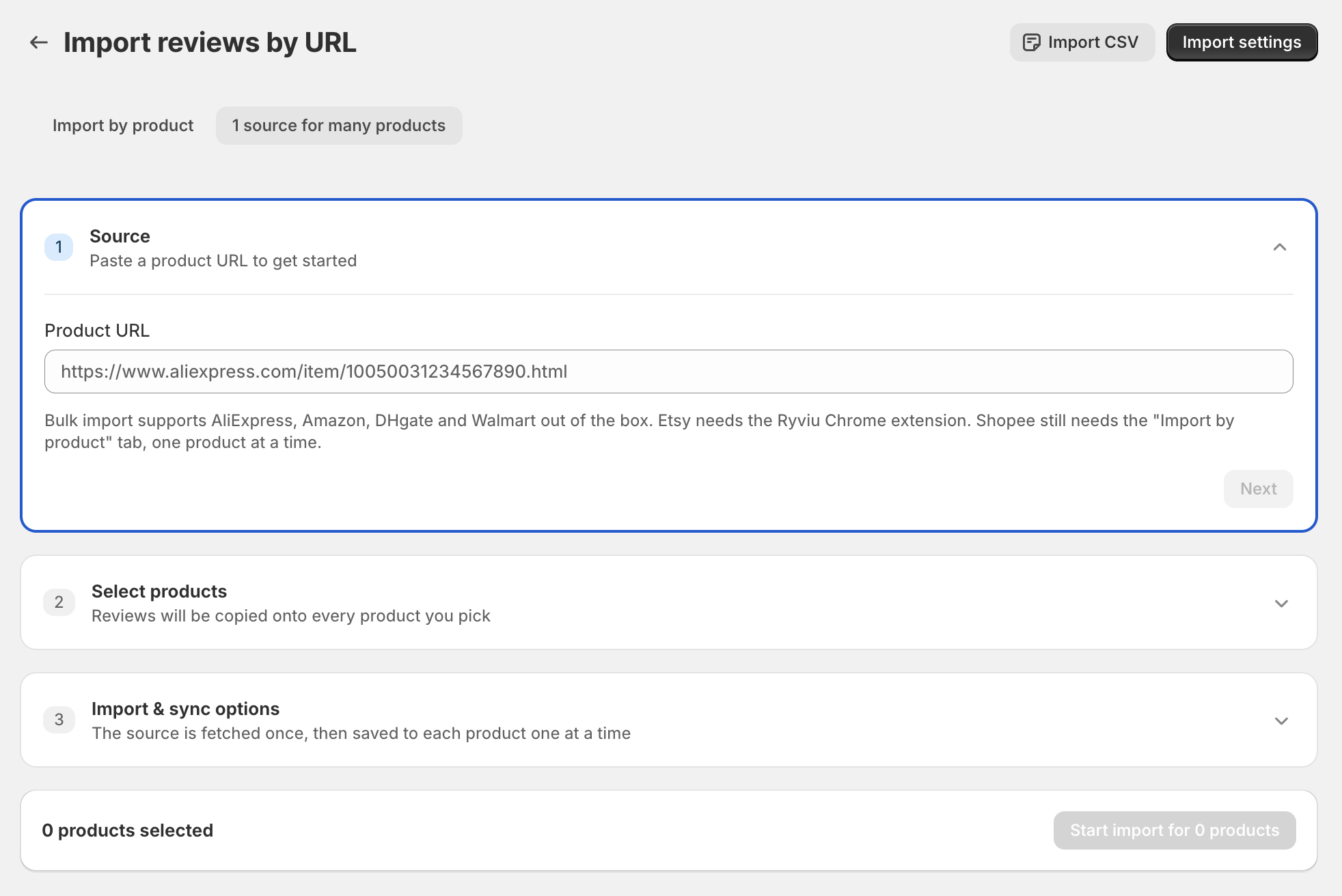
In the Product URL field, enter the URL of the product you want to import reviews from, then click Next.
In the Select products section, select the products you want to add the reviews to, then click Next.
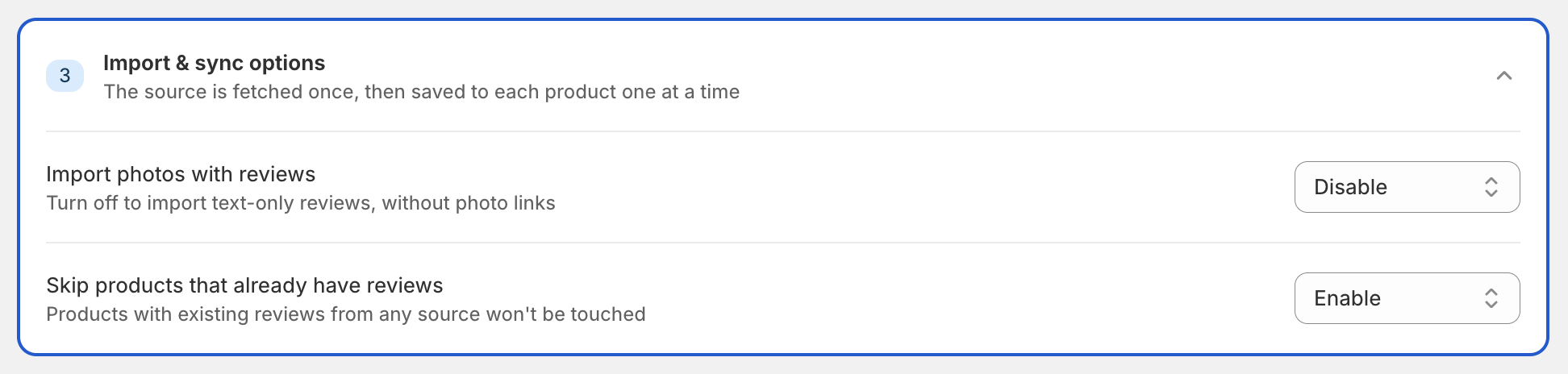
In Import & sync options, configure your preferred settings.
Click Start import for X products to start importing the reviews.
By default, Ryviu loads the available reviews from the source product as per your Import settings. If you want to load more reviews for a specific product, click the product individually and select Load more reviews.
Watch the instructions step by step in this video:
Need help?
Get in touch with our support team through live chat or email at [email protected]. We're here to help!