The Review Pop-Up Trigger in Ryviu is a powerful feature that notifies site visitors of new product reviews in the store via a real-time pop-up. This can help store owners grab the customers’ attention and increase customer trust. That may result in a higher conversion rate and better sales for your business.
Here’s how to set it up:
Log in to your Ryviu dashboard and navigate to the Widgets section.
Scroll down to the Real-Time Reviews Alerts widget, and click the Customize button.

You can enable and customize the pop-up to match your store design.
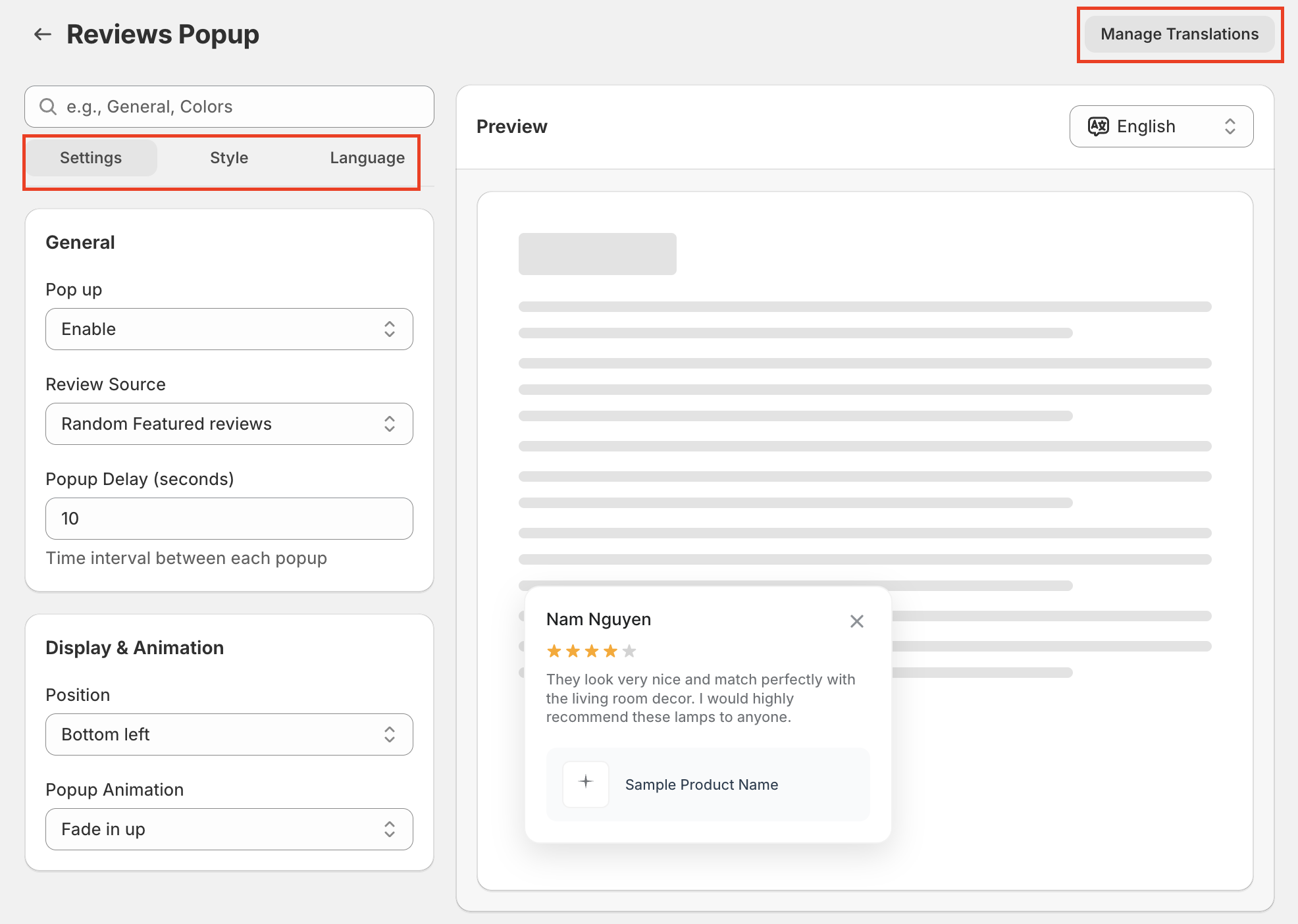
Settings tab
Enable the pop-up.
Select the review source and delayed time.
Change the pop-up’s position.
Edit the text pop-up to match your store’s design.
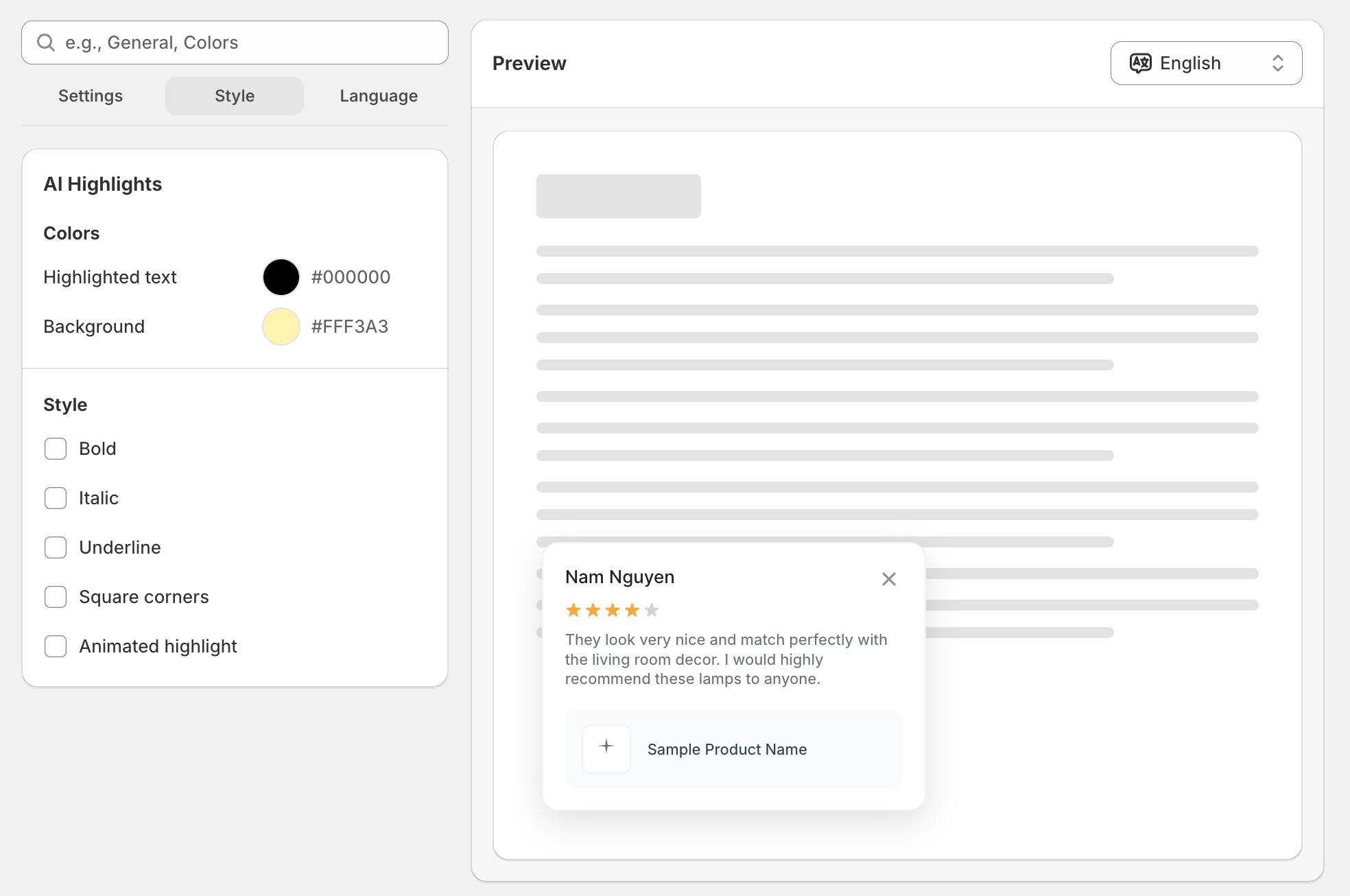
Style
Change the color and text style.
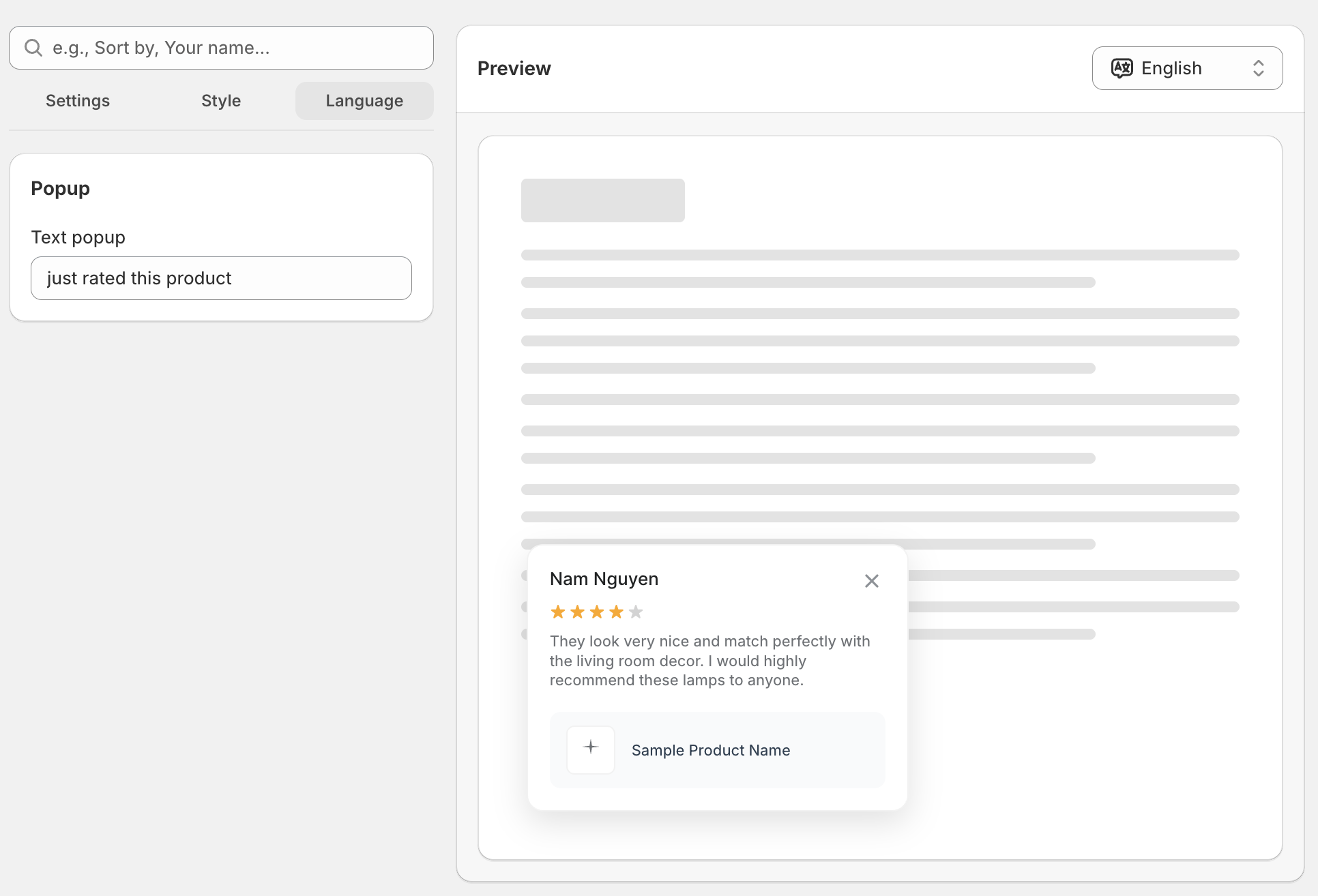
Language
Change the pop-up text.
In the last step, don’t forget to Save the changes once you finish.
Let’s take a look to see how the pop-up displays on your store in real-time when someone leaves a review.
Need help?
Get in touch with our support team through live chat or email at [email protected]. We're here to help!