


If you are using Shopify, please click Install now on Ryviu: Product Review App on Shopify store.
Creating a Ryviu account is simple. Follow these steps to get started.
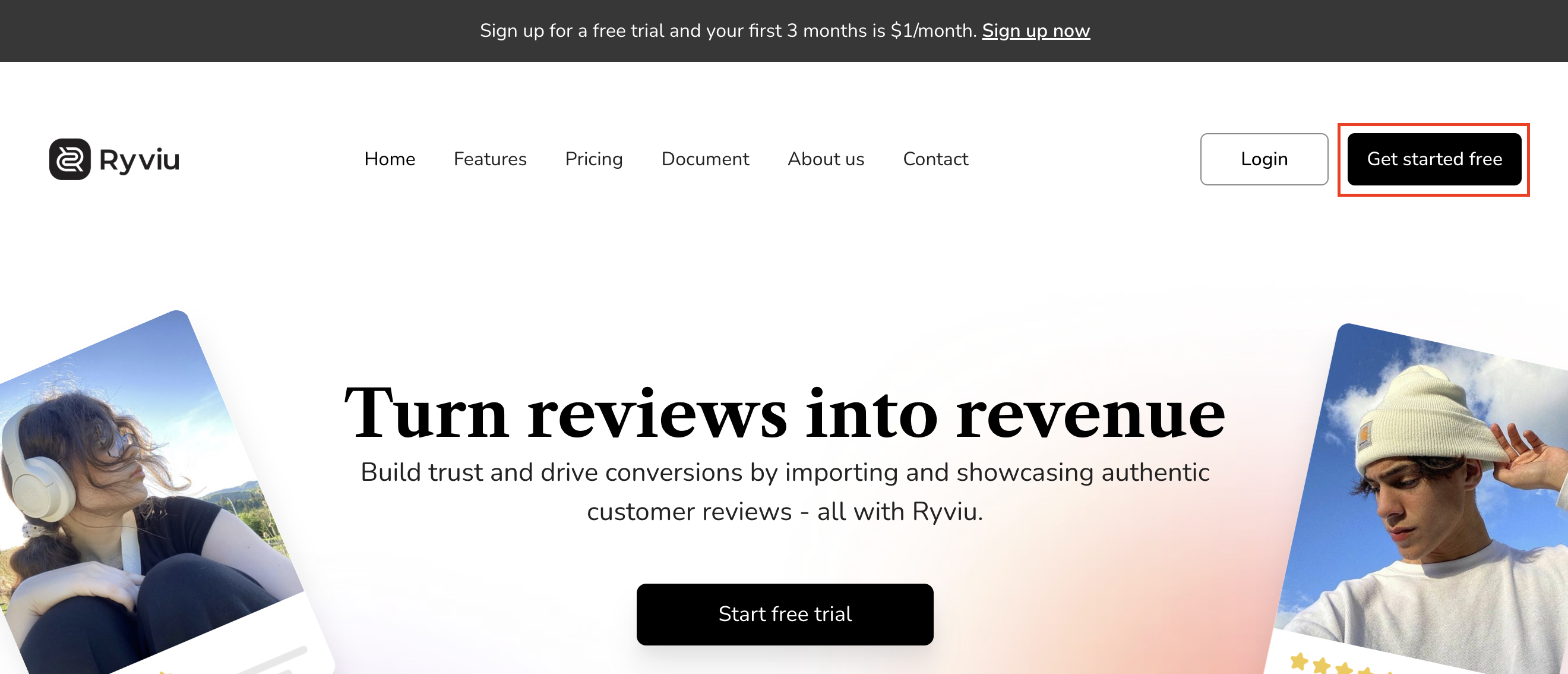
Go to the Ryviu website.
Click the Get started free button.
Select your platform.
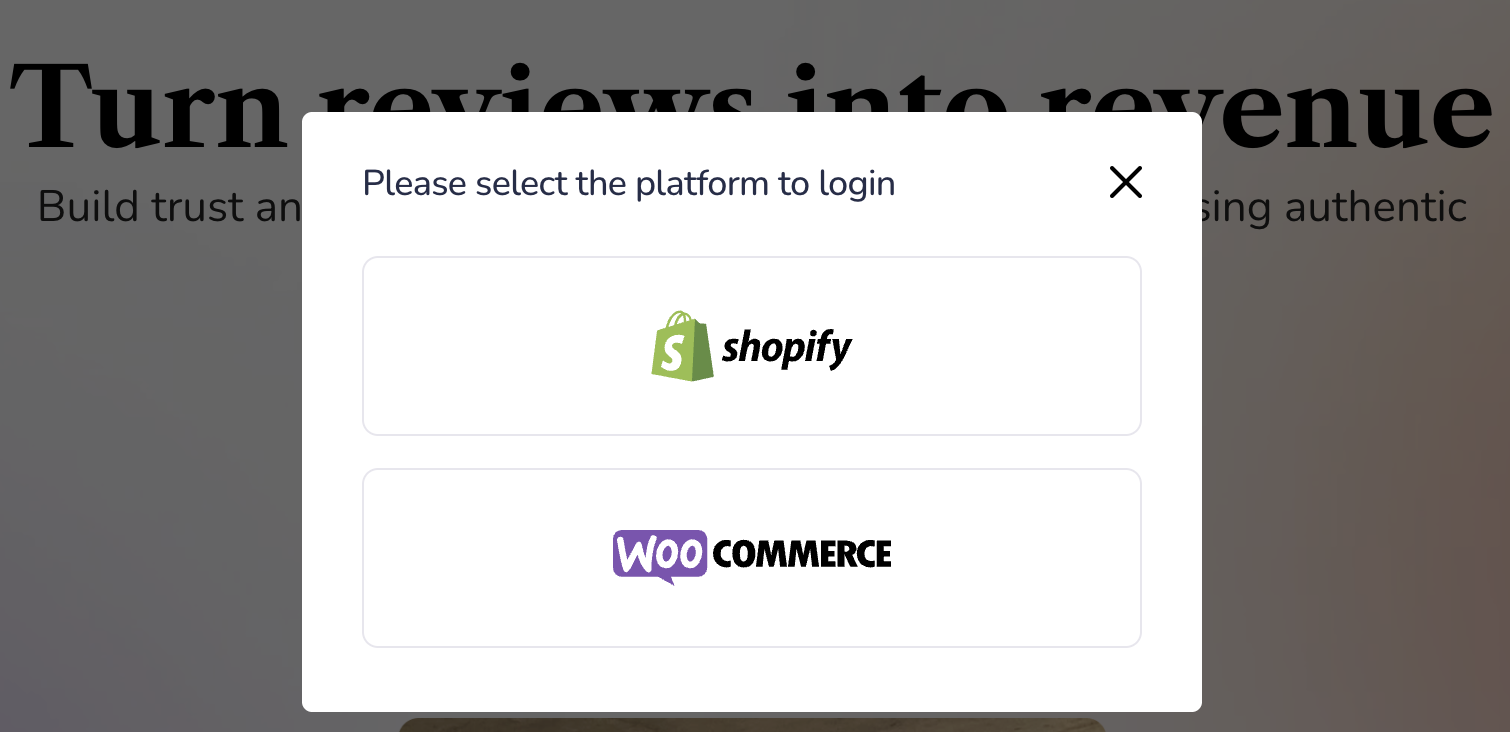
For Shopify Users
If you choose Shopify, you will be redirected to the Shopify App Store.
Click Install app on Ryviu: Product Reviews & QA, then your Ryviu account will be automatically created and connected to your Shopify store.
For WooCommerce Users
If you choose WooCommerce, click Sign up and enter your username, email address, and password.
Once your account is created, follow our guide to connect your WooCommerce store.
Need help?
Get in touch with our support team through live chat or email at [email protected]. We're here to help!