To access the Customer Reviews settings section in your Ryviu dashboard, click on the Widgets section in the left menu of your Ryviu account, then click Reviews Widgets.
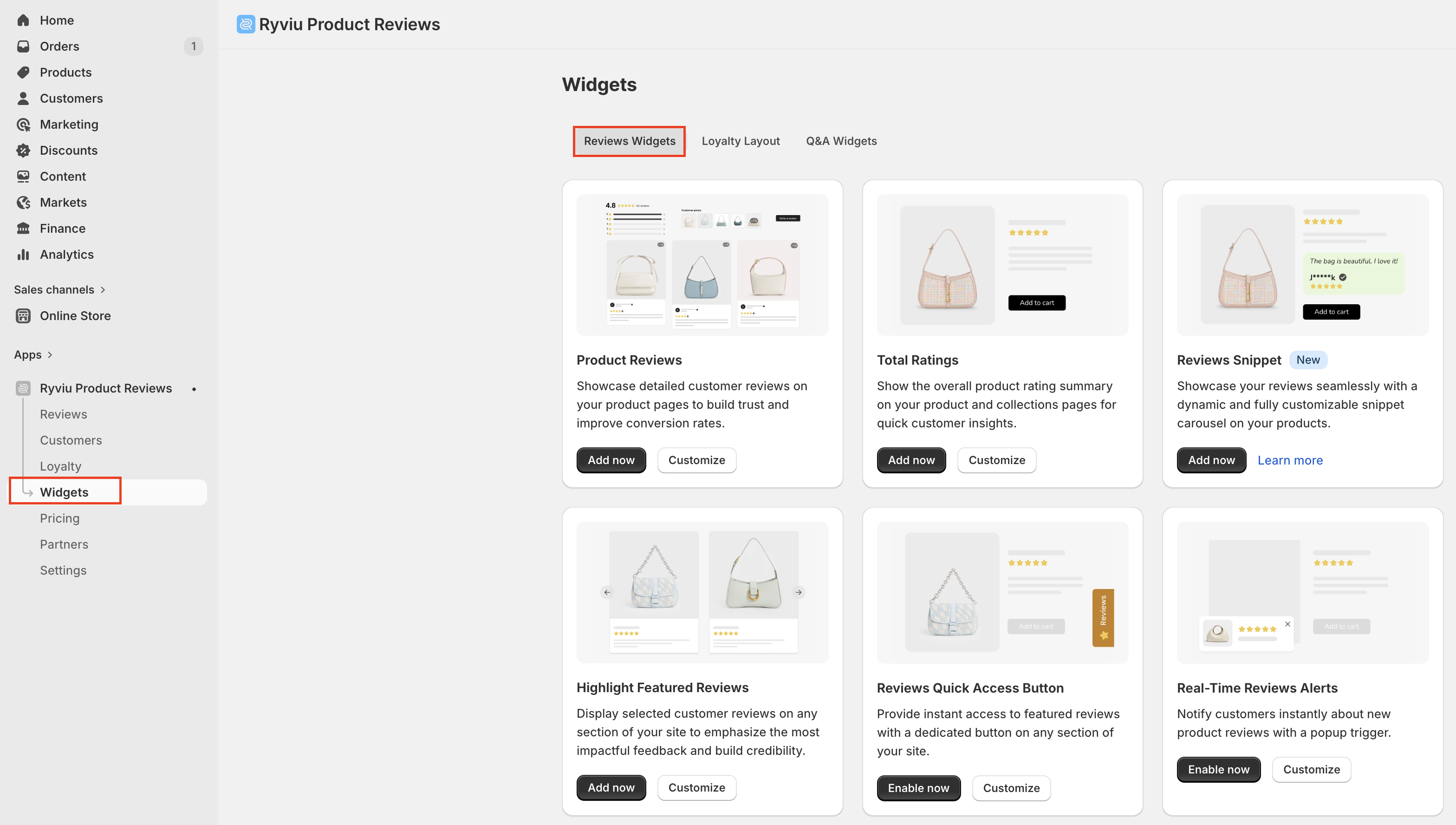
For each widget, you can:
Click Add now to display the widget on your store.
Click Customize to modify the widget to match your store's design.
Once you open a widget's settings page, you can:
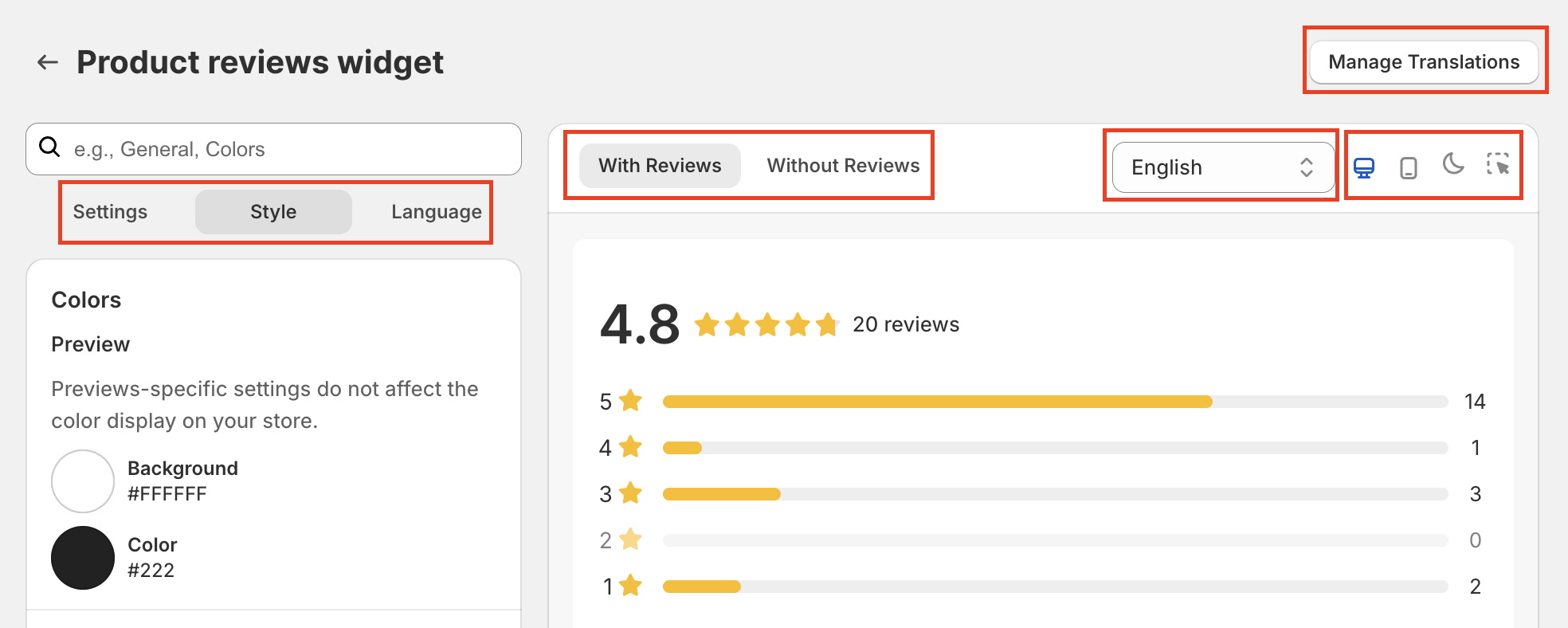
Configure the widget using the Settings, Style, and Language tabs.
Use the preview panel to:
Click Manage Translation to check and edit text manually.
Switch between different widget states (such as With Reviews / Without Reviews, or With Questions / Without Questions, depending on the widget).
Select the preview language.
Preview the widget in desktop and mobile views.
View your changes in real time before publishing.
Click Save to apply your changes.
Table of contents:
Product reviews
Total ratings
Review Snippets (for Ryviu version 2.0)
Highlight featured reviews
Reviews quick access button
Real-time reviews alerts
Review badge
Question and Answer
The product reviews widget showcases customer reviews, including text, photos, videos, and store owner responses.
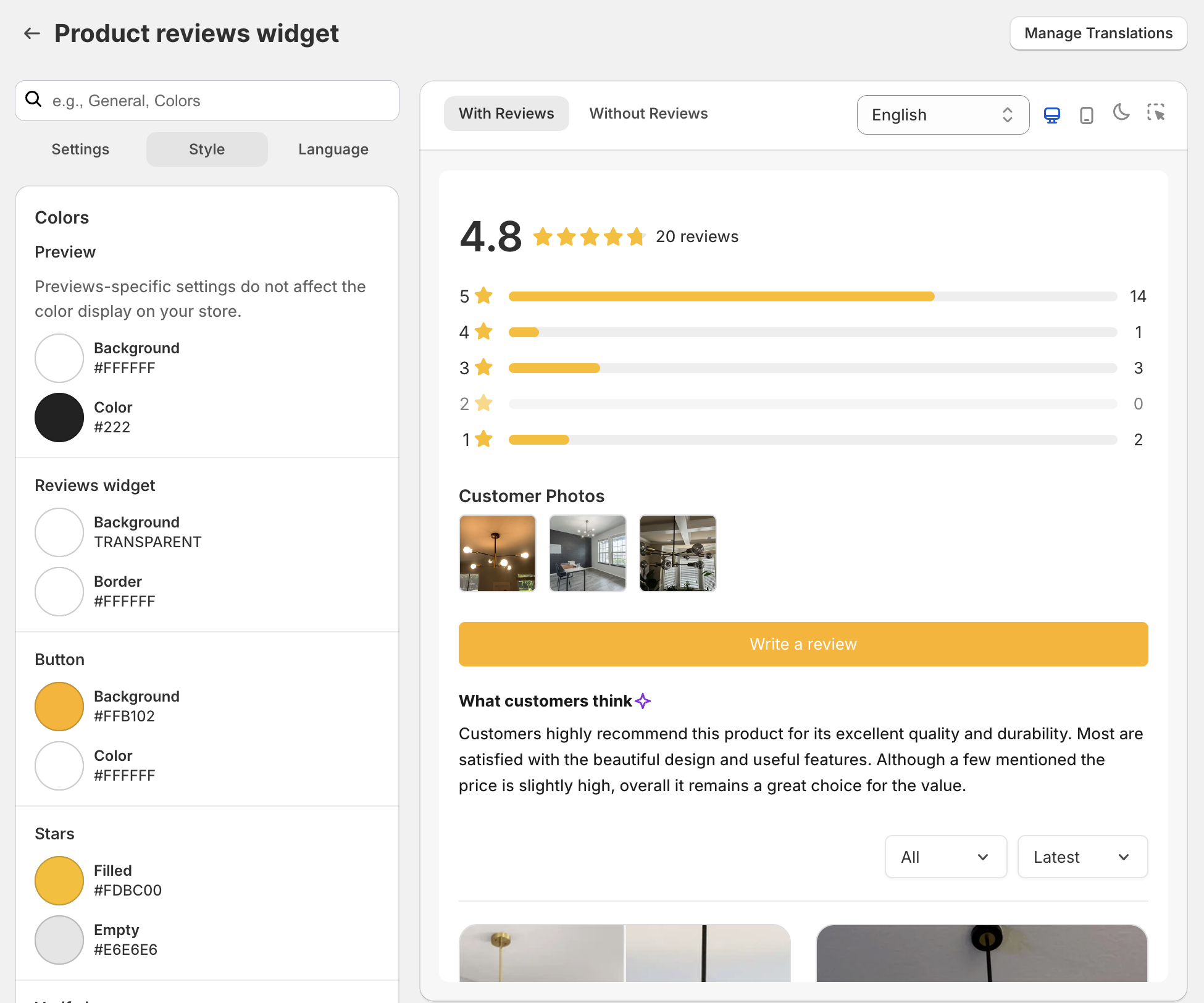
Choose between the ‘With Reviews’ or ‘Without Reviews’ widget to set up. Below are the available settings:
General: Manage key review settings such as approval before publishing, select approval rating, turn on/off the lazy loading for better performance, enable AI to generate reviews (for the Unlimited plan), sorting options, and set the number of reviews per page. Select either a "Load more" button or pagination for navigation.
Review Safety: Enable this option to add safety keywords that help protect your reviews and prevent sensitive or inappropriate content.
Block Email Addresses: Enable this option to block specific email addresses or entire domains. Enter multiple emails or domains separated by commas. Use @domain.com to block an entire domain, or enter a full email address to block a specific address.
Layout: Choose a theme and customize the product reviews widget with three styles—Default, Masonry, or Carousel.
Color: Adjust the background and text colors and customize colors for review widgets, buttons, stars, and more.
Typography: Modify the font and size of the review text.
Sections: Show or hide elements like the header, review items, popup images, and the review submission form.
Formatting: Set the display format for customer names and timestamps; Automatically detect and hide offensive content and personal information in review contents.
Author: Customize the author's avatar background color with an option for randomly assigned colors.
Media: Enable image reviews, display multiple images per review, ensure uniform image height, and apply hover effects. Choose between ‘cover’ or ‘contain’ image display styles for headers and Default themes.
Star: Adjust the star icon’s style, color, and size.
Body: Configure the review display box for your store.
Custom CSS: Add your own CSS styles for the Product Reviews widget.
Language: Personalize the text in the reviews widget and review form
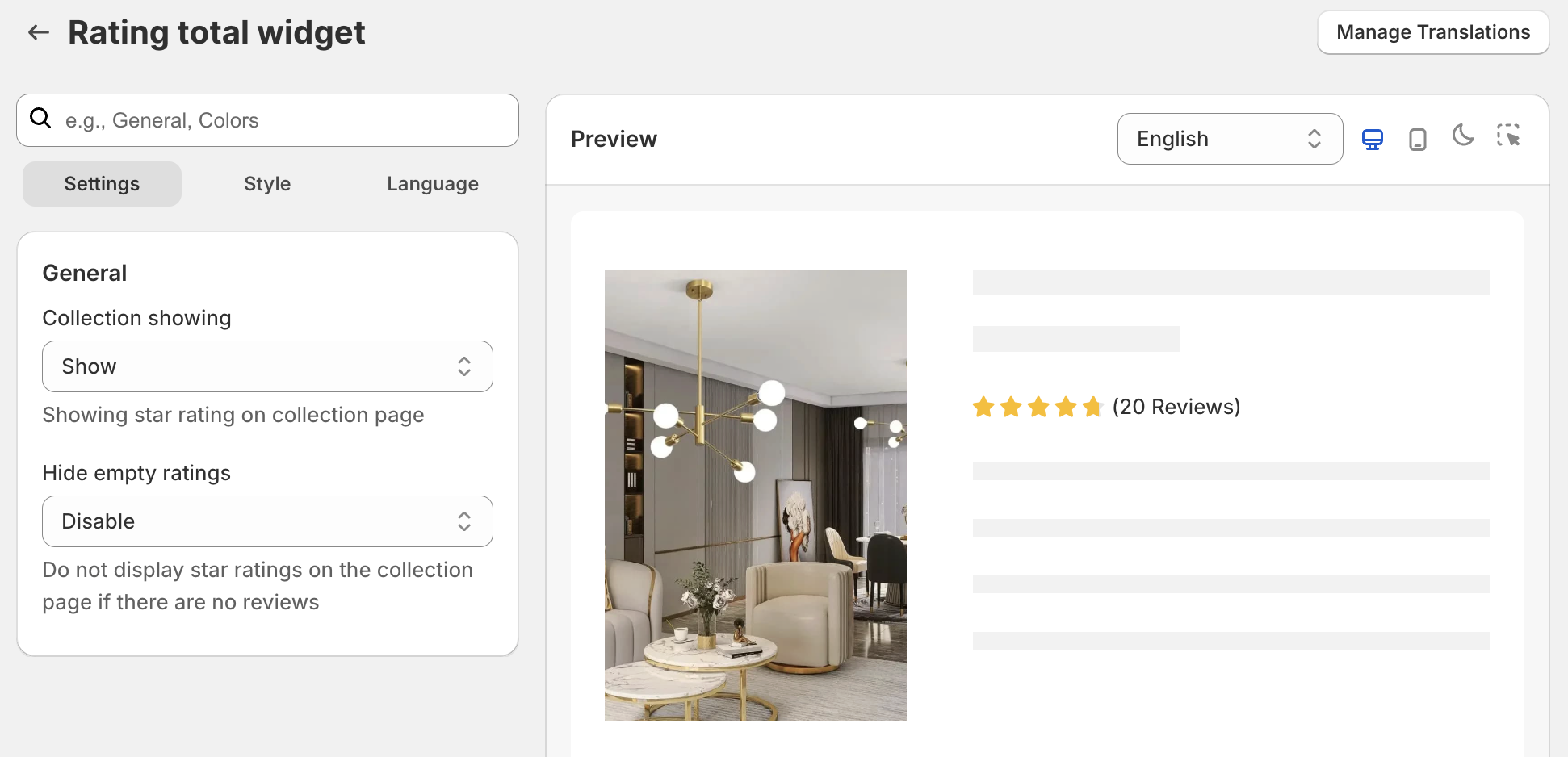
This section lets you set the star ratings, color, and text on the collection page.
The Ryviu Snippet Widget displays your best customer reviews at key conversion points, such as below the Add to cart button. Learn how to set it up in the Review Snippets widget guide.
To change the widget's settings, you can select the Masonry or Carousel layout in this section.
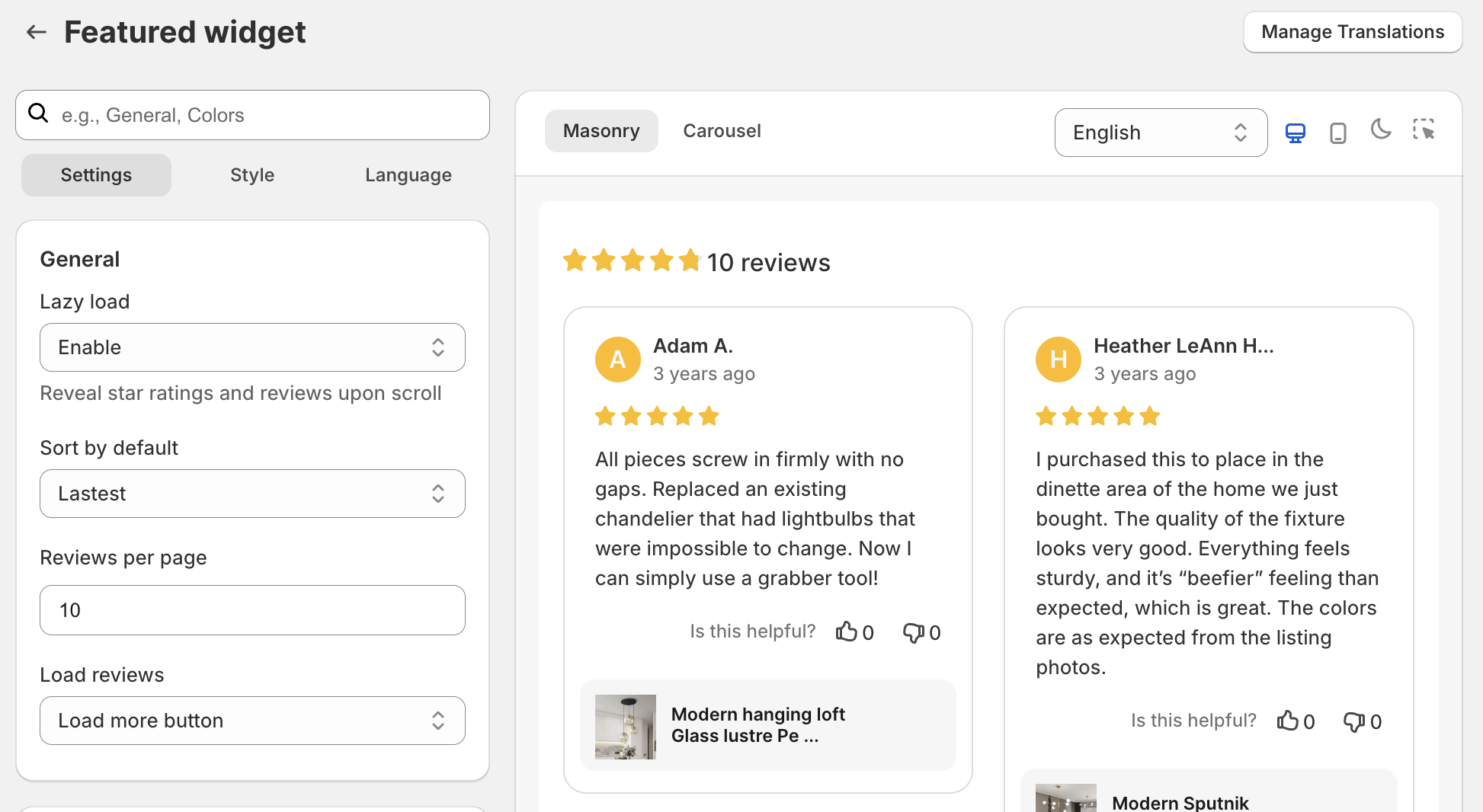
You can also show featured reviews in the sidebar widget. This part takes a few seconds to set up.
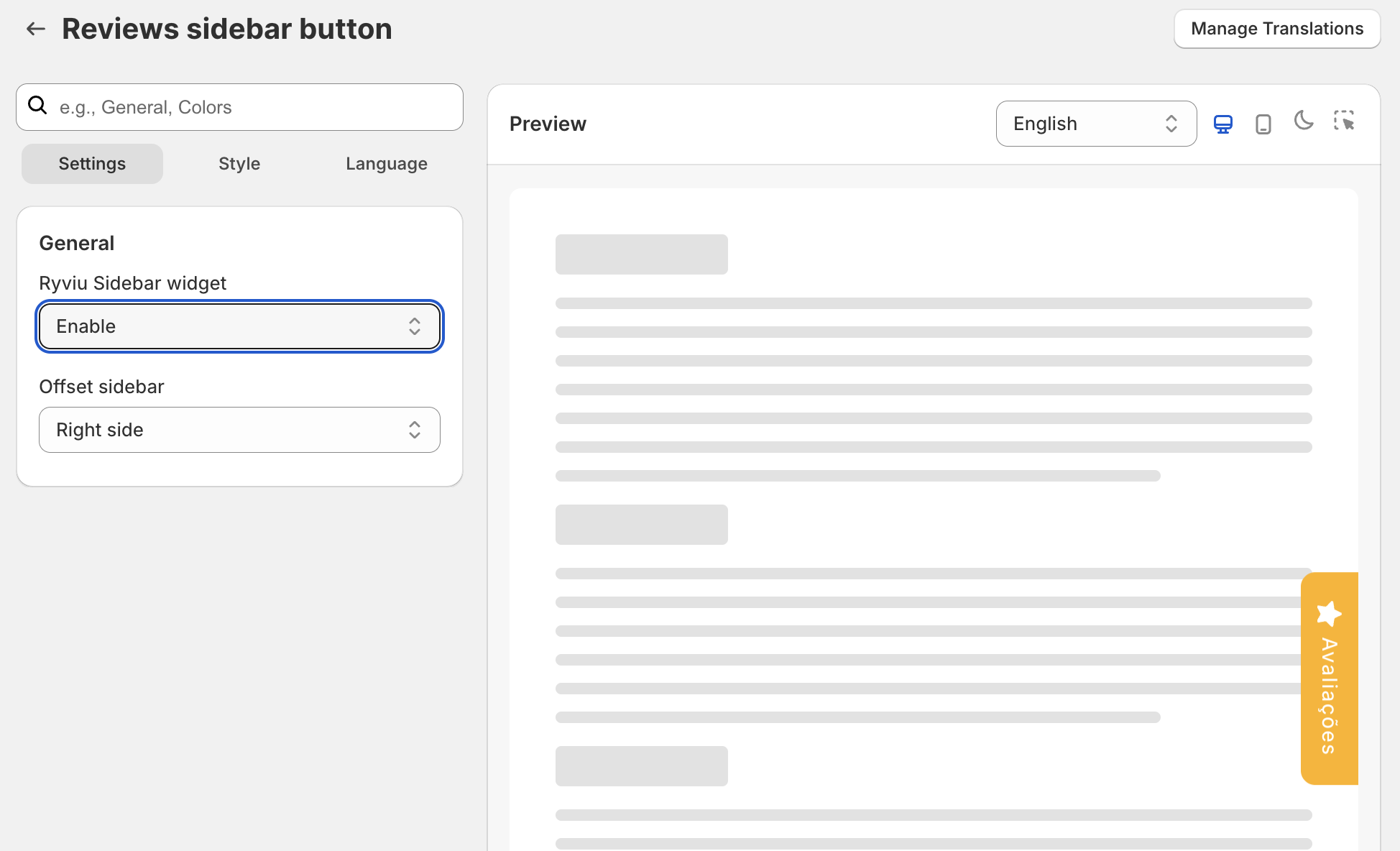
In this section, you can configure the position and text of the review pop-up trigger. This will allow you to provide real-time evidence to increase your customers' trust and boost your sales.
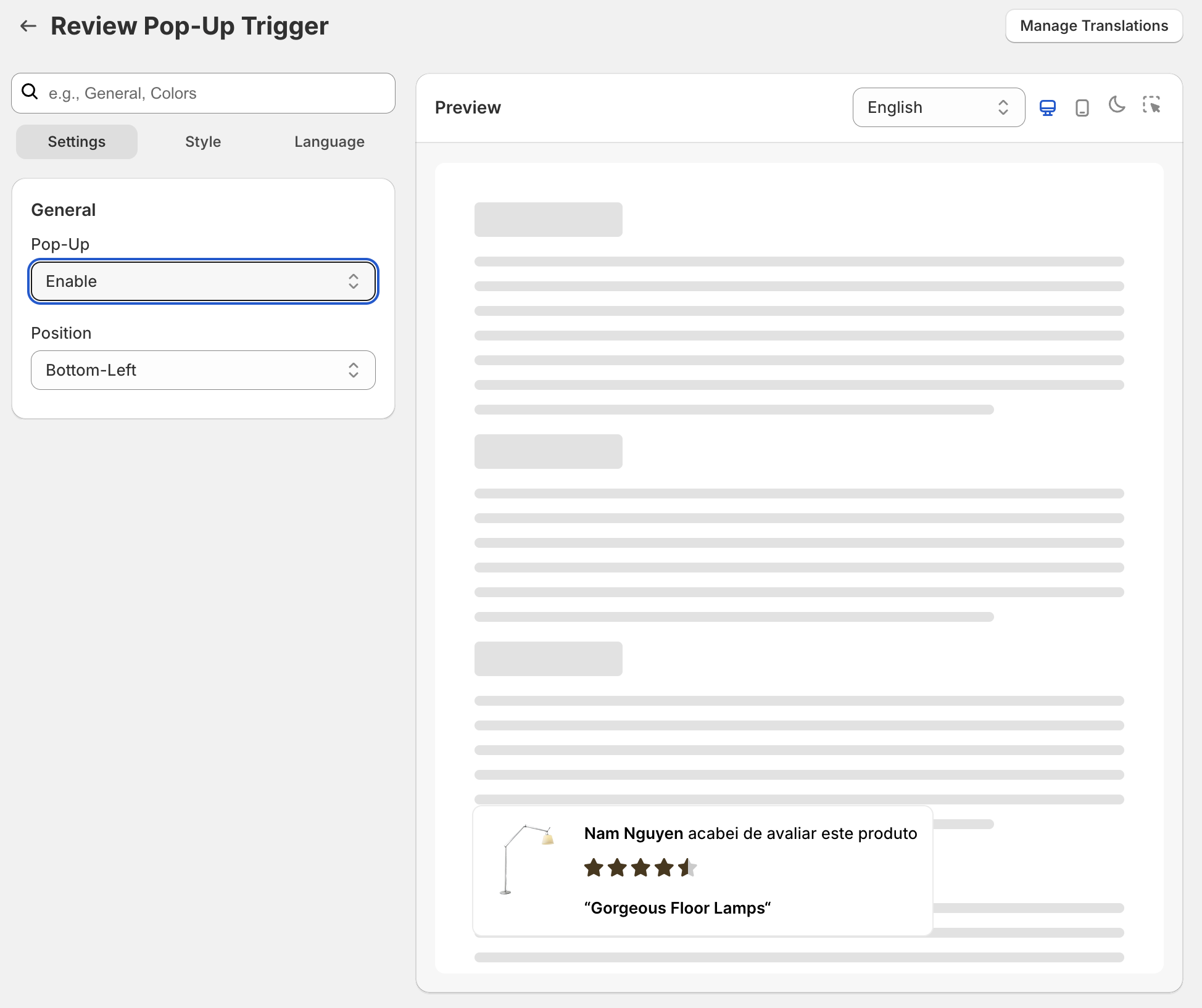
In the settings menu, you can select the kind of action, layout, color, and customized text for the Reviews Badge.
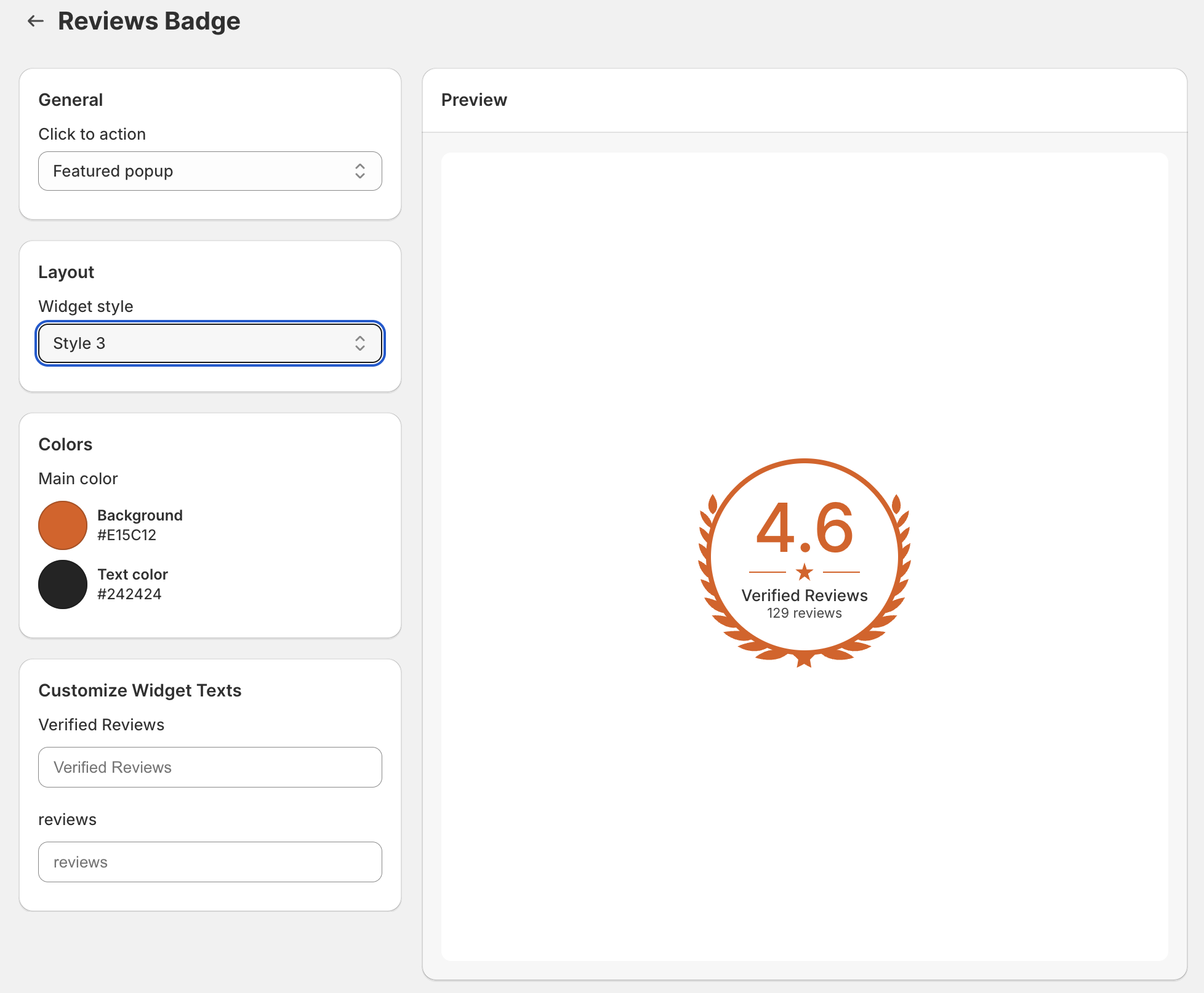
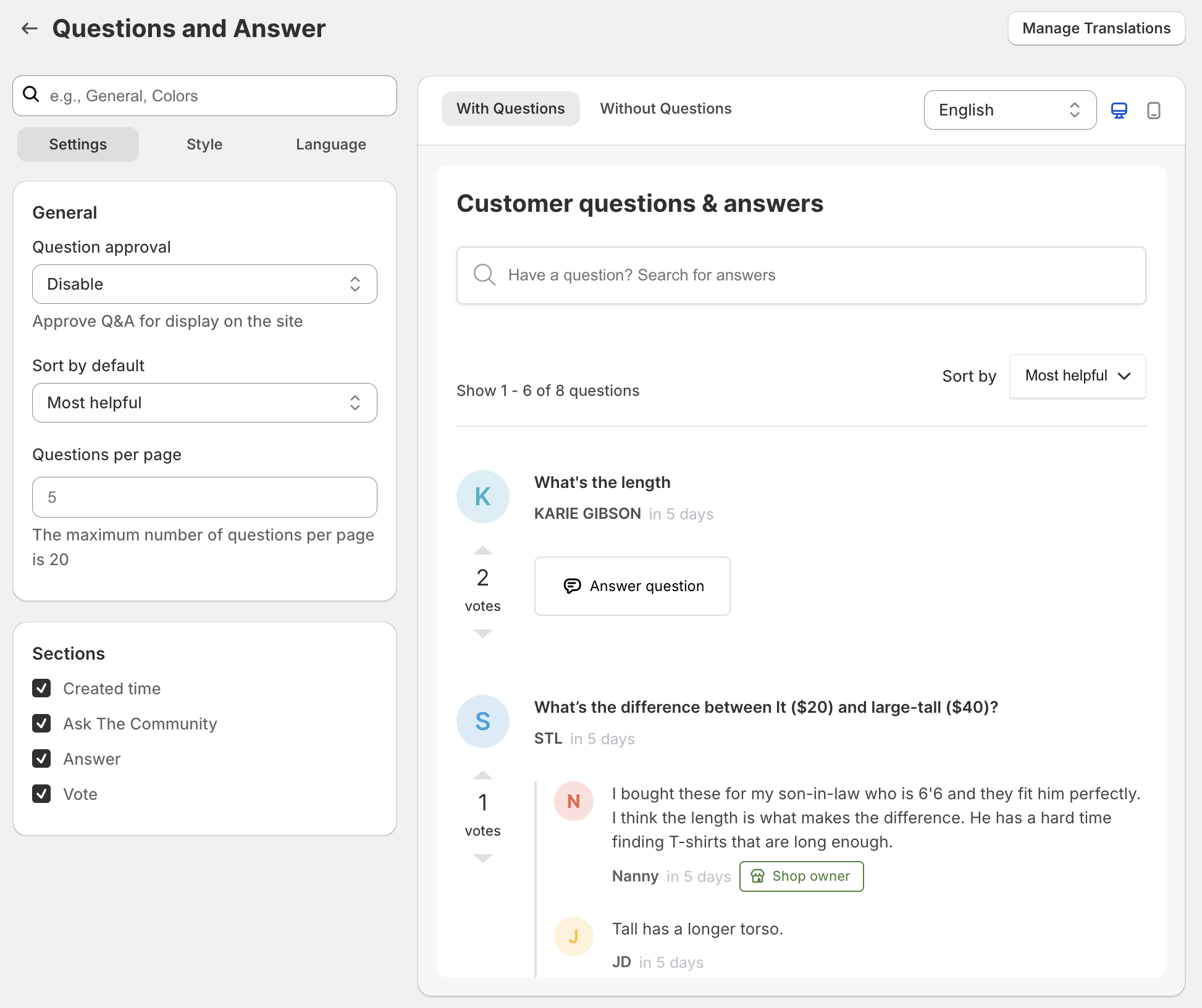
You can customize the questions & answers widget, whether it has questions or not.
Need help?
Get in touch with our support team through live chat or email at [email protected]. We're here to help!