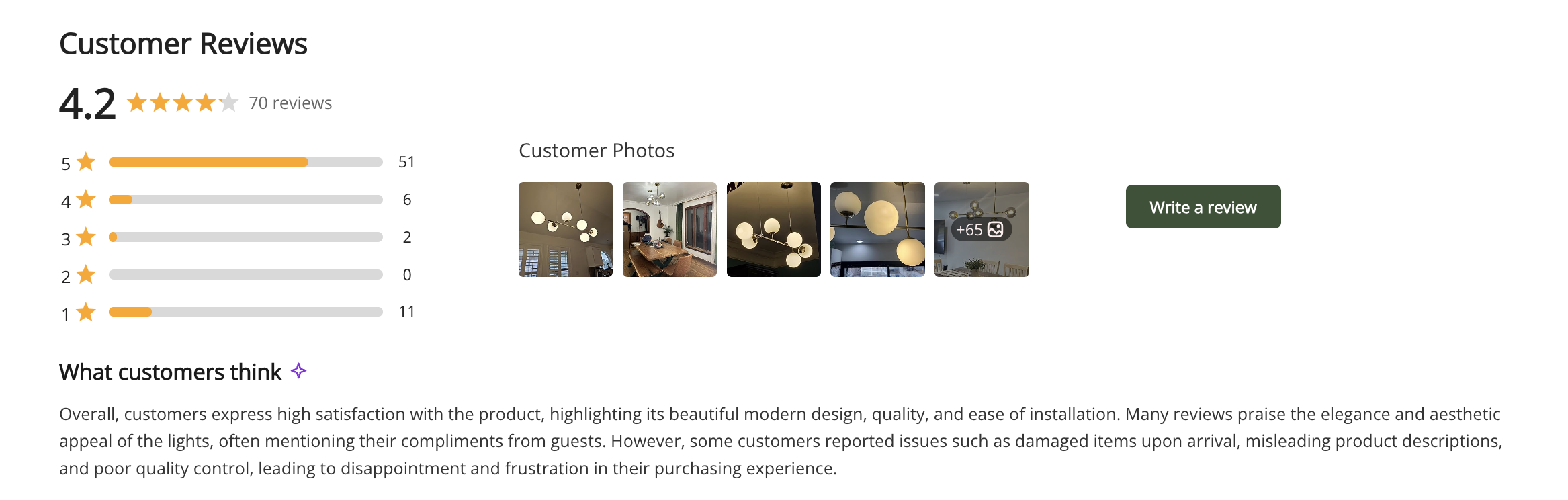
Ryviu can now automatically generate AI-powered review summaries, helping shoppers quickly understand overall customer feedback and make informed purchase decisions.
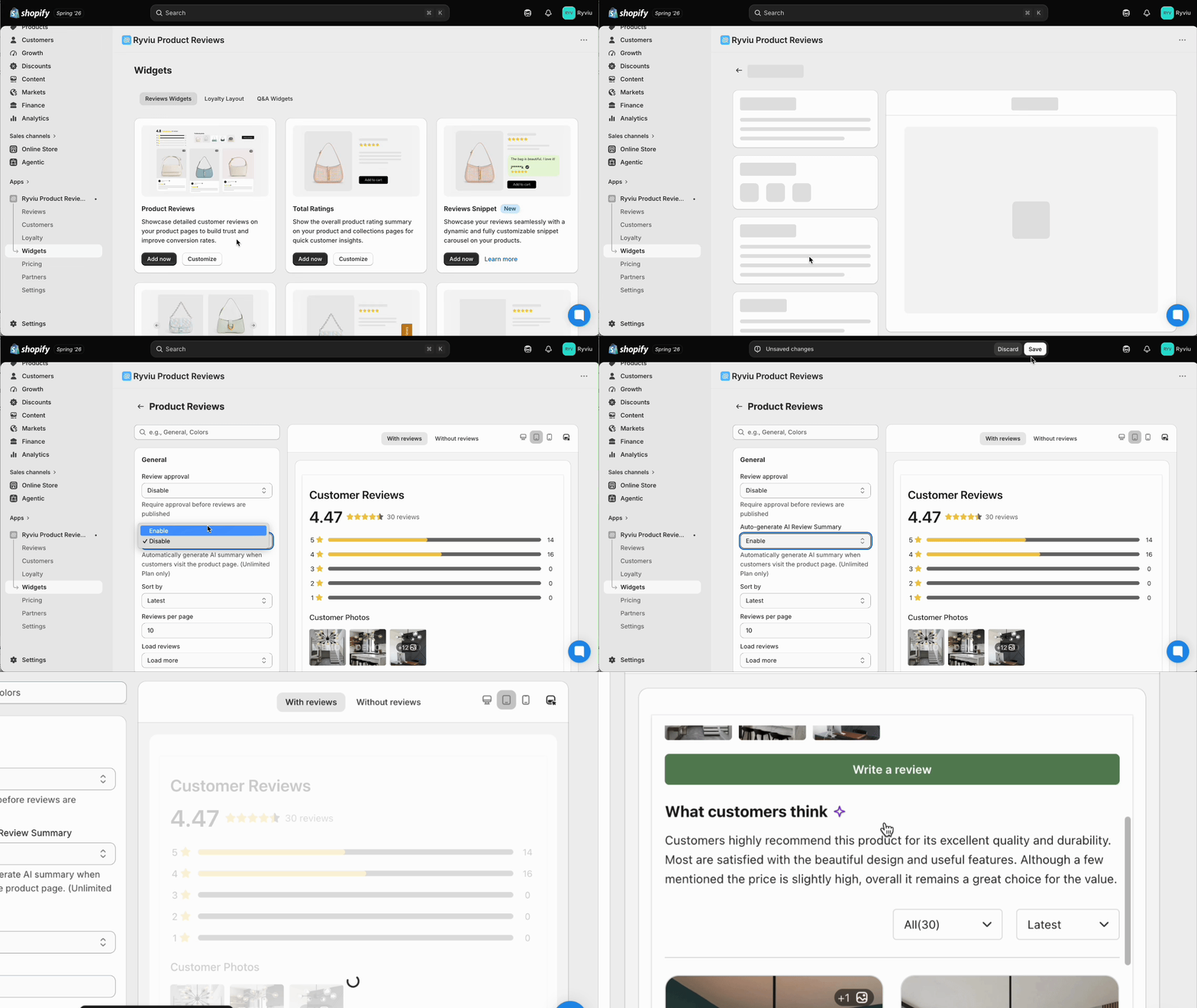
In your Ryviu account, access Widgets.
Click the Customize button of the Product reviews widget.
Enable the option Auto-generate AI Review Summary in General.
Save the changes.
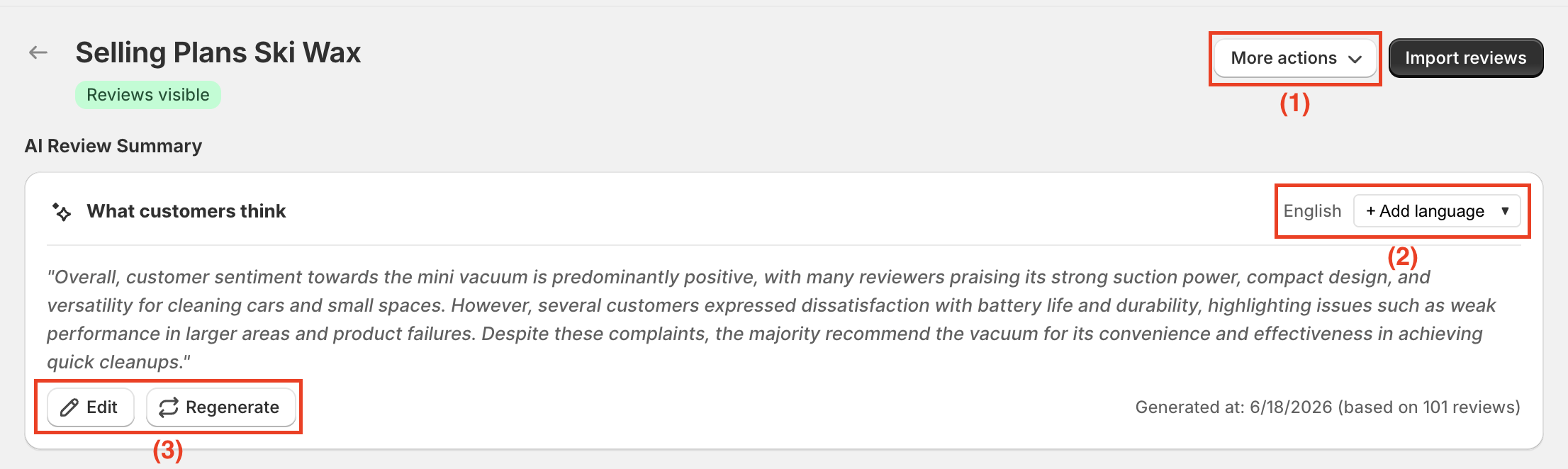
You can open the product review to have more setting options for the feature Auto-generate AI Review Summary.
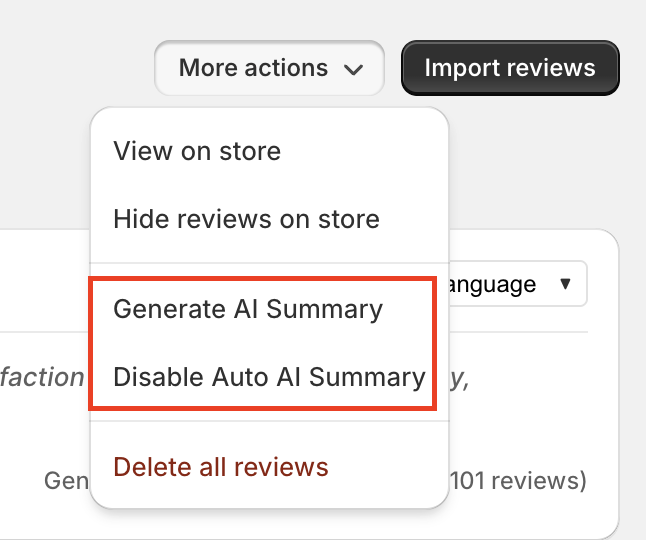
Click More actions and choose one of the following options:
Generate AI Summary to create a summary for the selected product.
Disable AI Summary to hide the summary for that product only.
Click Add language to select additional languages for the summary. The AI summary will automatically display in the language used on your storefront.
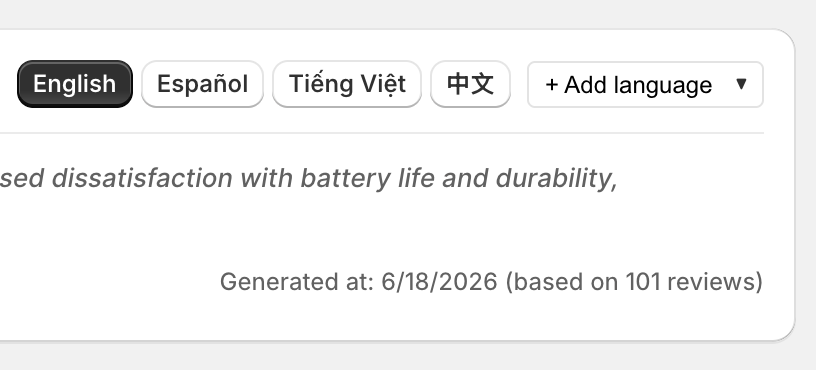
You can manually edit the generated summary at any time or regenerate it when needed.
If you want to change the title of the AI summary section, just access the Customize text section.
Need help?
Get in touch with our support team through live chat or email at [email protected]. We're here to help!