


Make sure to click Save after making any changes
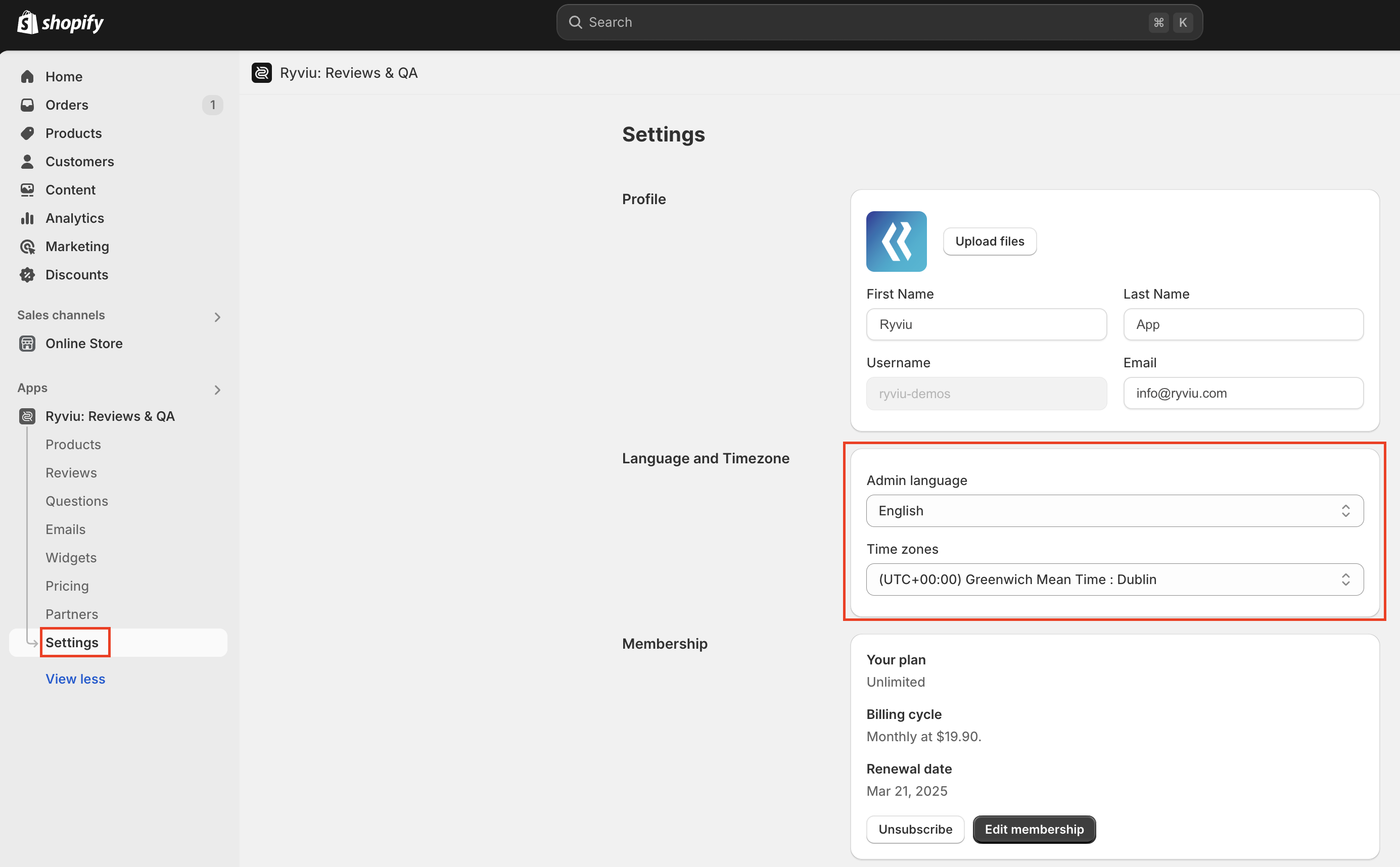
Q: How can I change the language of the Ryviu dashboard?
A: Ryviu currently supports 8 dashboard languages:
English
French
German
Spanish
Italian
Chinese
Portuguese
Japanese
To change your dashboard language, please go to:
Settings → Language and Timezone
Then select your preferred language and save the changes.
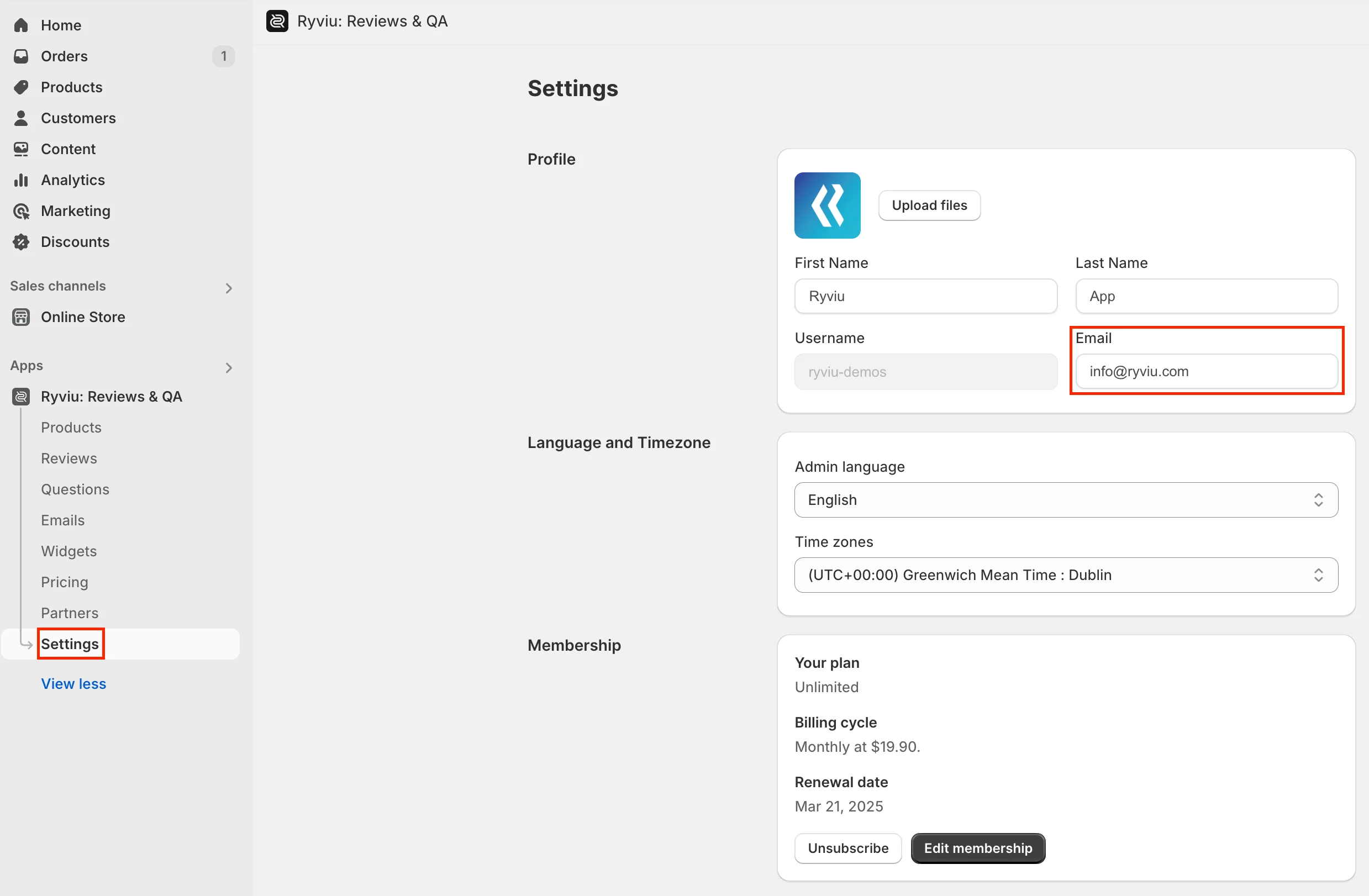
Q: Can I change the email address for my account?
A: Yes. To update your account email address, please go to:
Settings → Email
Then enter your new email address and save the changes.
A confirmation email will be sent to your inbox. Please click the verification link to confirm the new email address.
If you cannot find the email, please check your Spam or Junk folder.
Need help?
Get in touch with our support team through live chat or email at [email protected]. We're here to help!