Please check the cases below to fix your issue.
Ryviu does not automatically install widgets on Shopify Online Store 2.0 themes, such as Dawn.
You need to manually add the Ryviu widget blocks to display reviews and star ratings on your product pages.
Please follow our guide for installing Ryviu widgets on Shopify 2.0 themes.
This issue may occur because you have not added any products to your store.
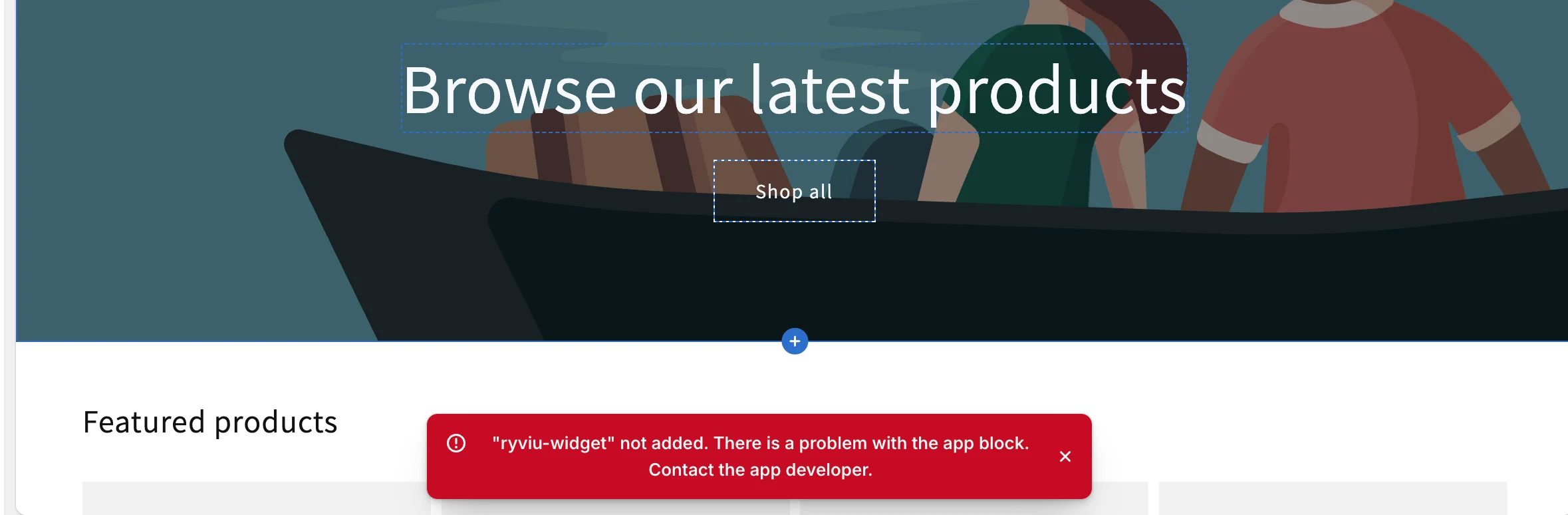
Please ensure you have added the product to your store so we can access the product template to add the app block
Some Shopify themes, such as Warehouse - the vintage theme, may not support automatic placement for the Ryviu widget.
You may need to manually add the Ryviu snippet code to your theme.
Step 1: Log in to your Shopify store admin
Step 2: In Online Store > Themes
Step 3: Click "..." > Edit codes
Step 4: Open theme.liquid file
Step 5: Find and move {{ content_for_header }} code after <head> tag so it looks like this.
<head>
{{ content_for_header }}
Step 6: Save the file and check again.
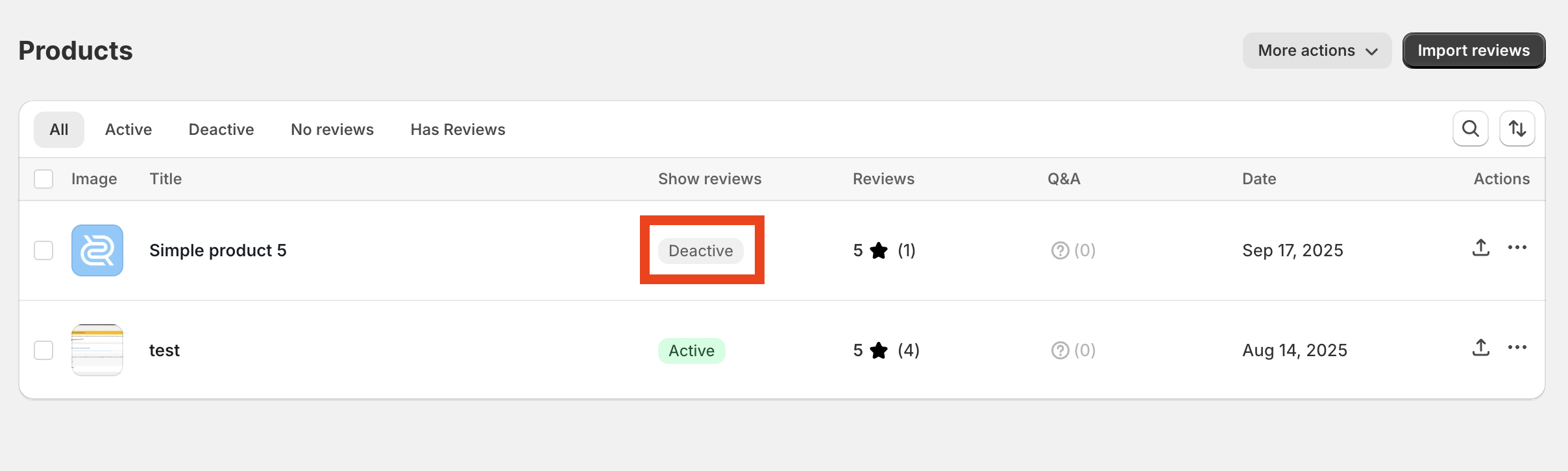
If your product has reviews but does not appear on your store, please check the product status in the Ryviu dashboard > Products. If the status is Deactive, change it to Active to make reviews appear.
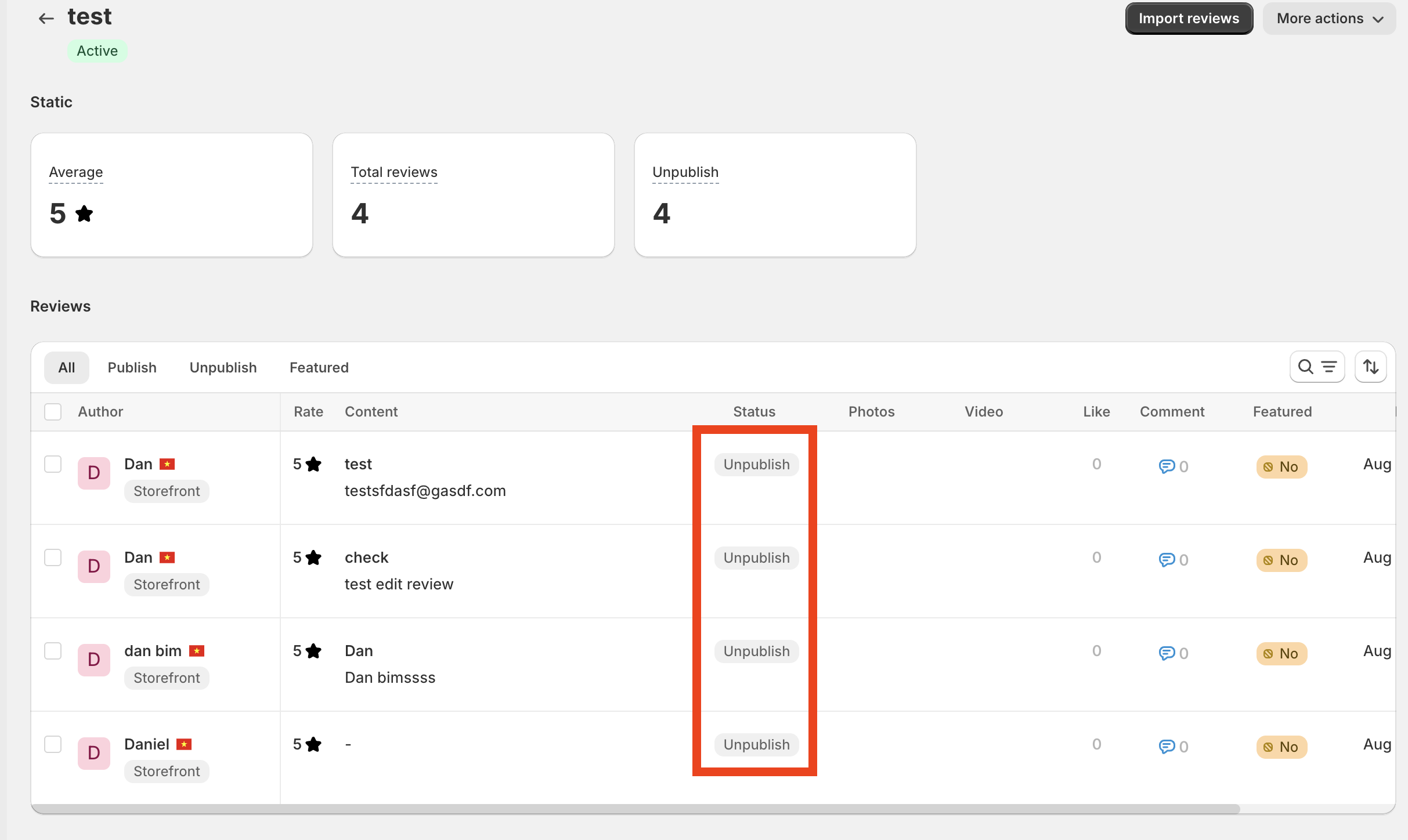
Please check if all reviews of your product are Unpublished from the Products section.
You need to add the Ryviu widget blocks or snippet codes again to your new theme to make reviews display after changing your theme.
If you use an app to customize your product layout, please check the app's documentation to see if it includes instructions for adding Ryviu widgets.
If it hasn't, you can use the Ryviu snippet codes below and add them to your app's layout to display reviews. Here are code snippets
Stars rating under your product title
<div class="review-widget"><ryviu-widget-total reviews_data="{{product.metafields.ryviu.product_reviews_info | escape }}" product_id="{{product.id}}" handle="{{product.handle}}"></ryviu-widget-total></div>Snippet code to display comments
<div class="lt-block-reviews"><ryviu-widget handle="{{product.handle}}" title_product="{{product.title}}" image_product="{{ product.featured_image.src | image_url: '200x' }}"></ryviu-widget></div>Need help?
Get in touch with our support team through live chat or email at [email protected]. We're here to help!